Steps
Sign in to the Karro account used for the purchase and check that your phone also uses the App Store or Google Play account that paid for the subscription.
Open Profile > Account > Subscription, then tap Restore purchases. This looks for an existing purchase through the store.
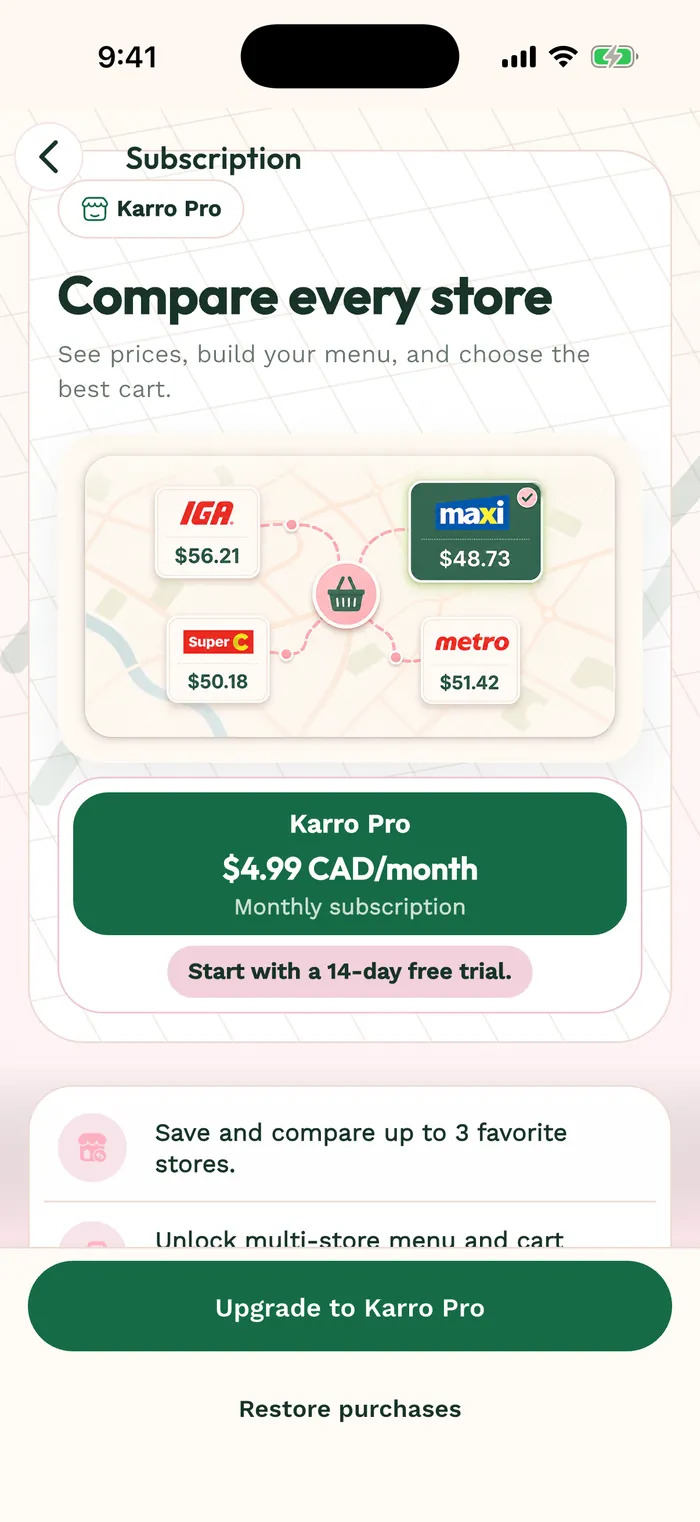
The red area shows where to tap in step 2. Wait for the displayed result. If access is still syncing, use the offered retry action or Refresh access when that button is available.
Check the Pro status in your profile. If the purchase is still not found, record the message, store and account used, then contact support with those details without sending a password.