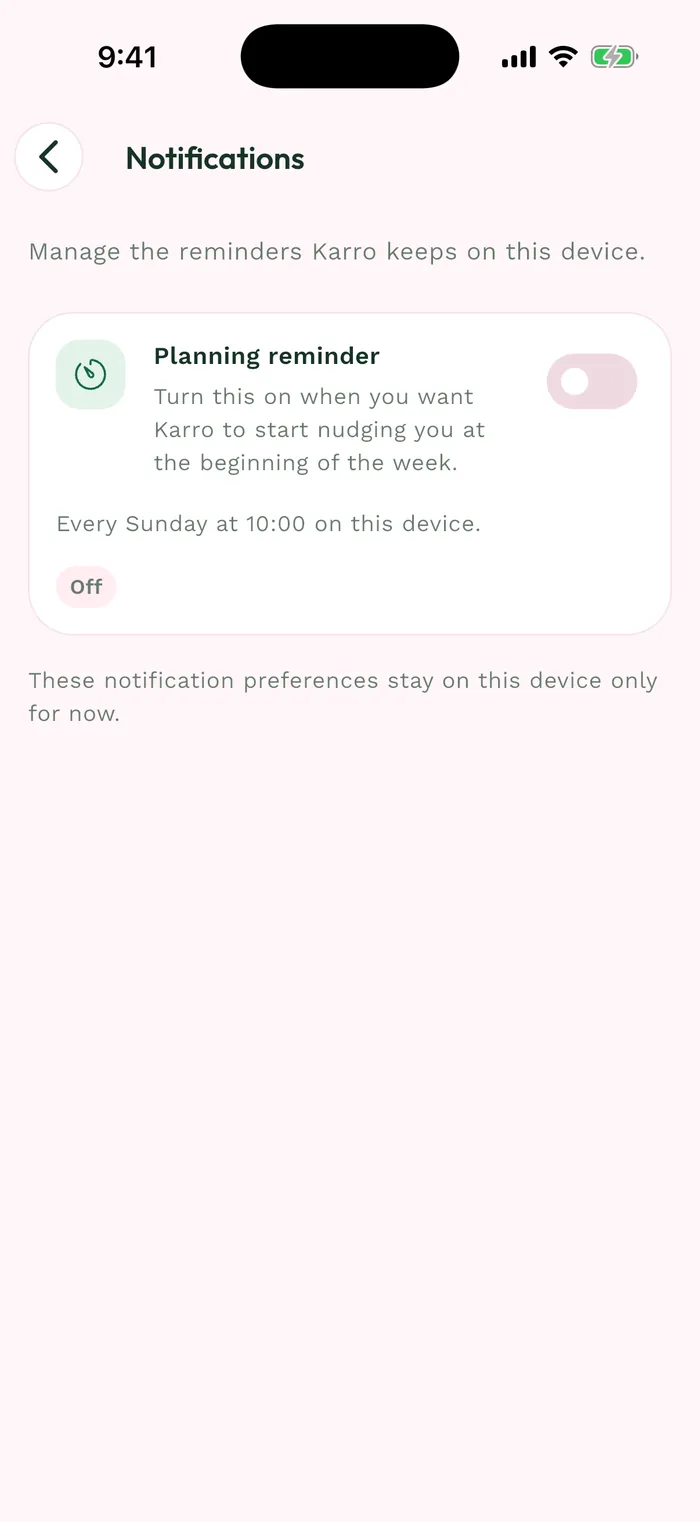
Steps
From sign-in, choose Email to show the fields, then tap Forgot password. Use the address of the account you want to recover.
Enter that address and choose your new password first. Meet the displayed requirements, then tap Send reset code.
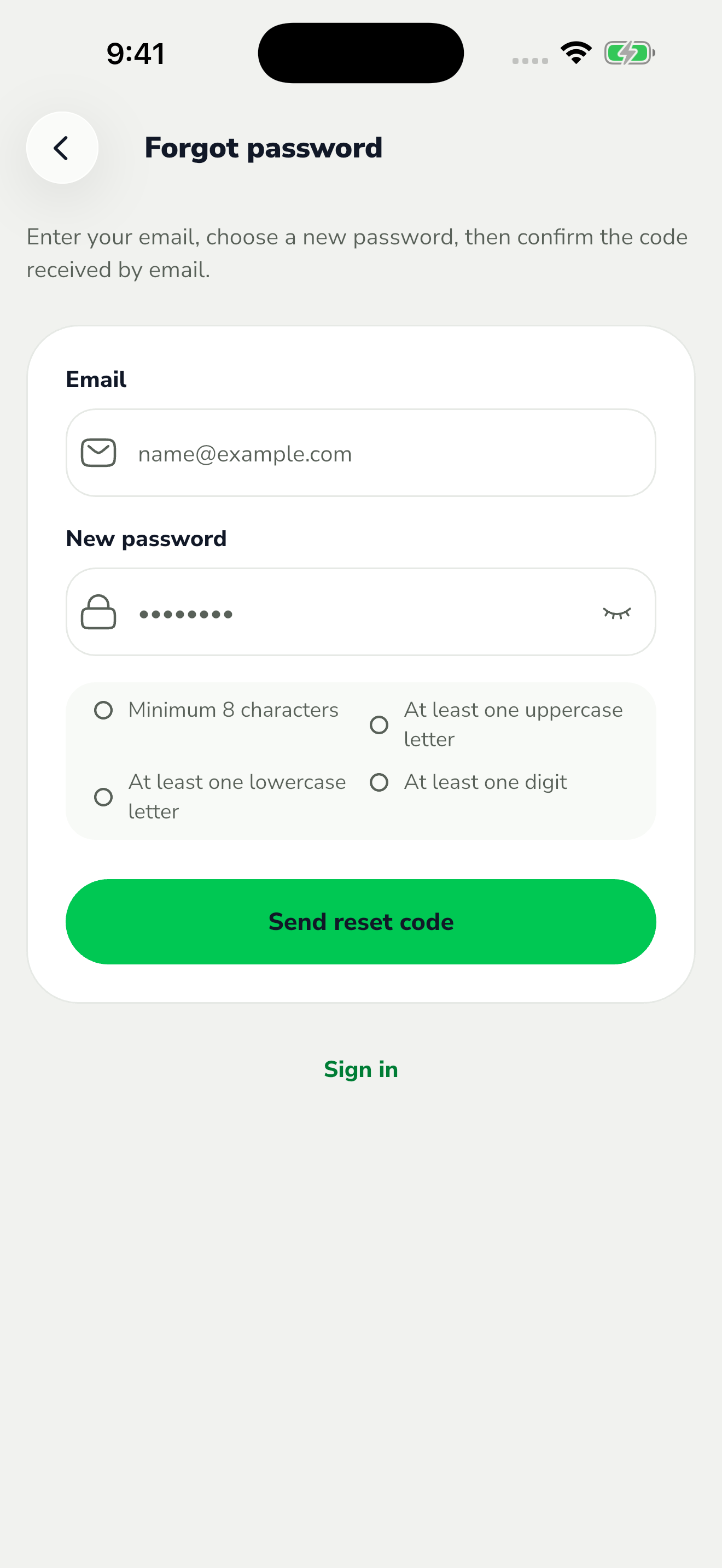
The red area shows where to tap in step 2. Open the email sent to that address and find the code. Check your junk folder if needed; you can request another message after the displayed cooldown ends.
Enter the code in Karro, then tap Reset password. Wait for confirmation and sign in with the new password.