Steps
In the app, open Profile > Account > Security > Delete my account. Make sure you are signed in to the intended account before continuing.
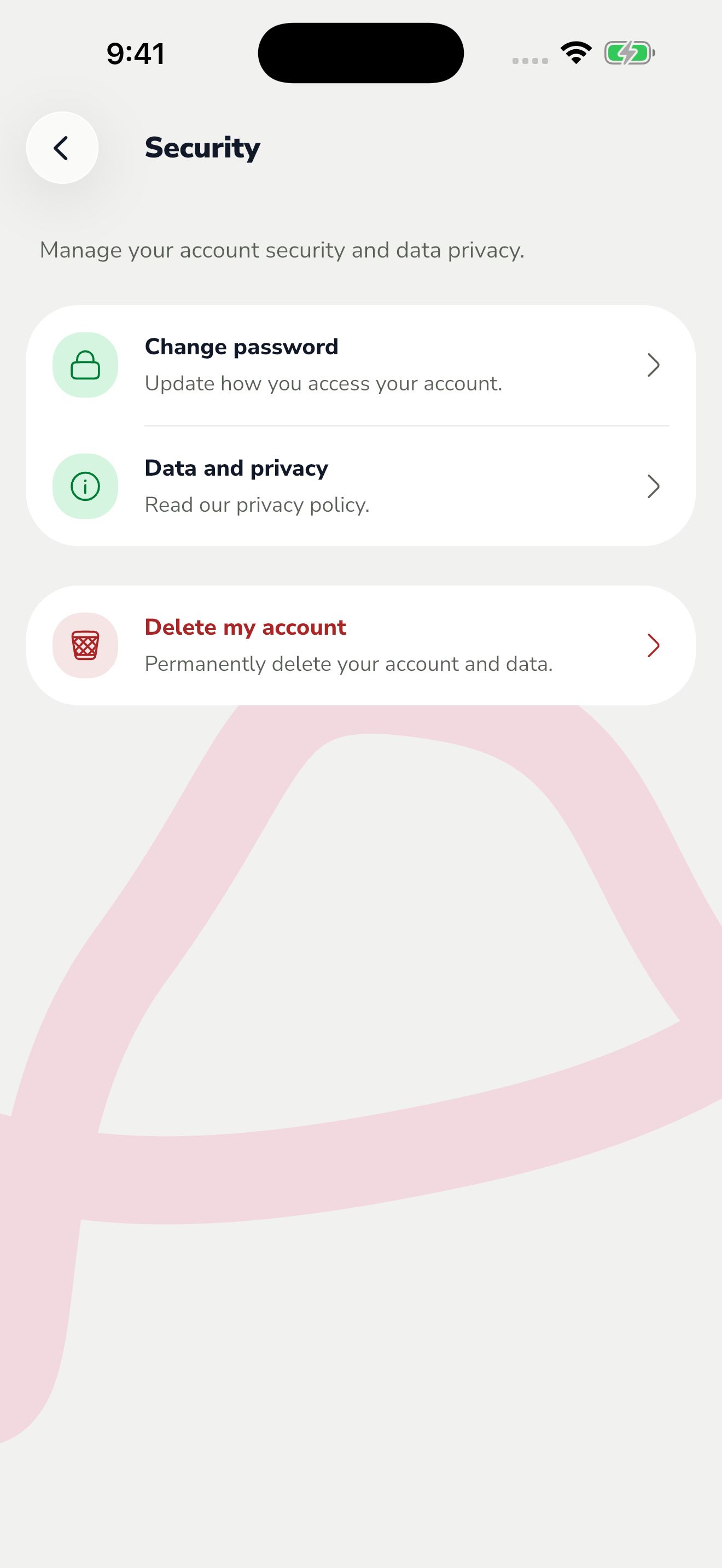
The red area shows where to tap in step 1. Read the consequences shown. If your account uses a password, enter your current password when Karro asks, then request a confirmation code.
Find the code in your email and complete confirmation in Karro only when you intend to delete the account. This action is separate from Sign out.
If you cannot use the app, open the web deletion page using this guide's button and follow its procedure with the account email. A paid subscription is also managed through the store that bills it.