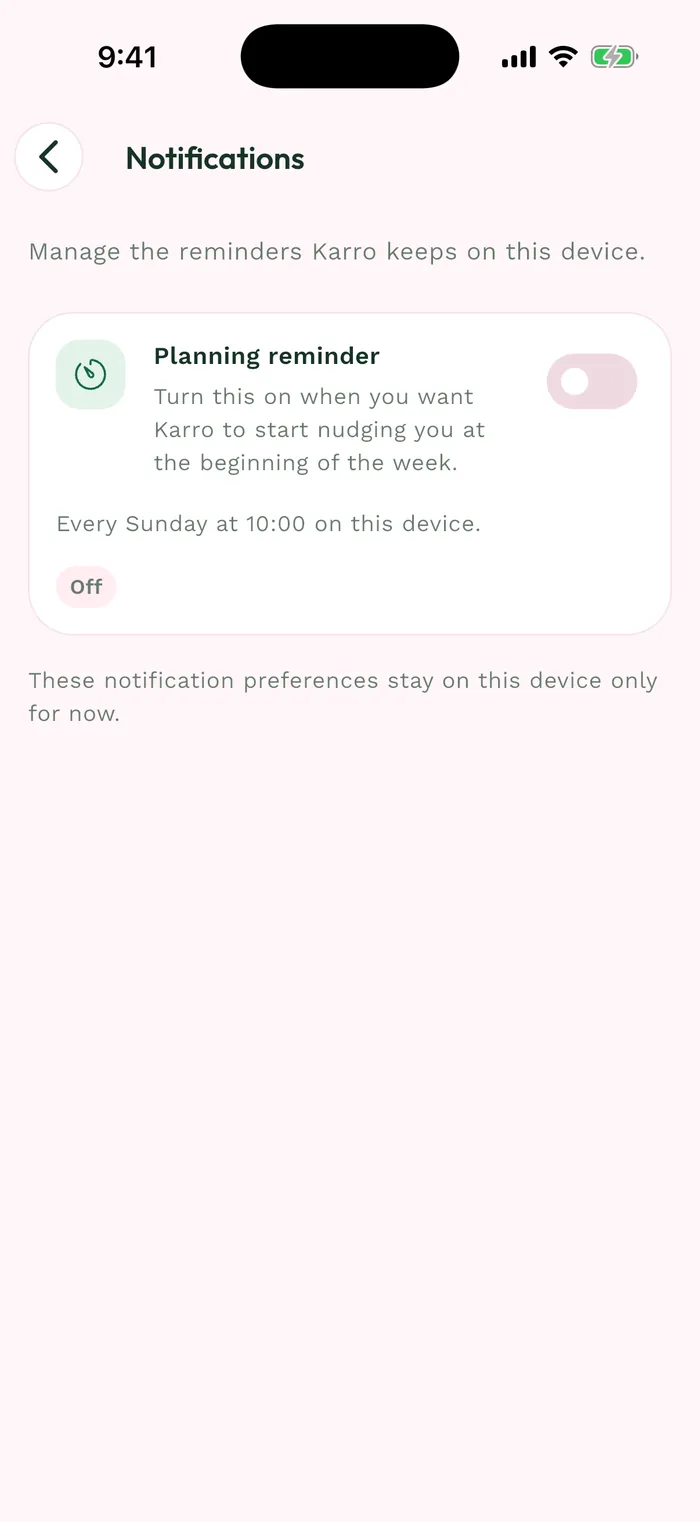
Steps
To open the guides from the app, go to Profile > App > Help and discovery > Support and tutorials. To write to us, use this page's contact button or support@karroapp.com.
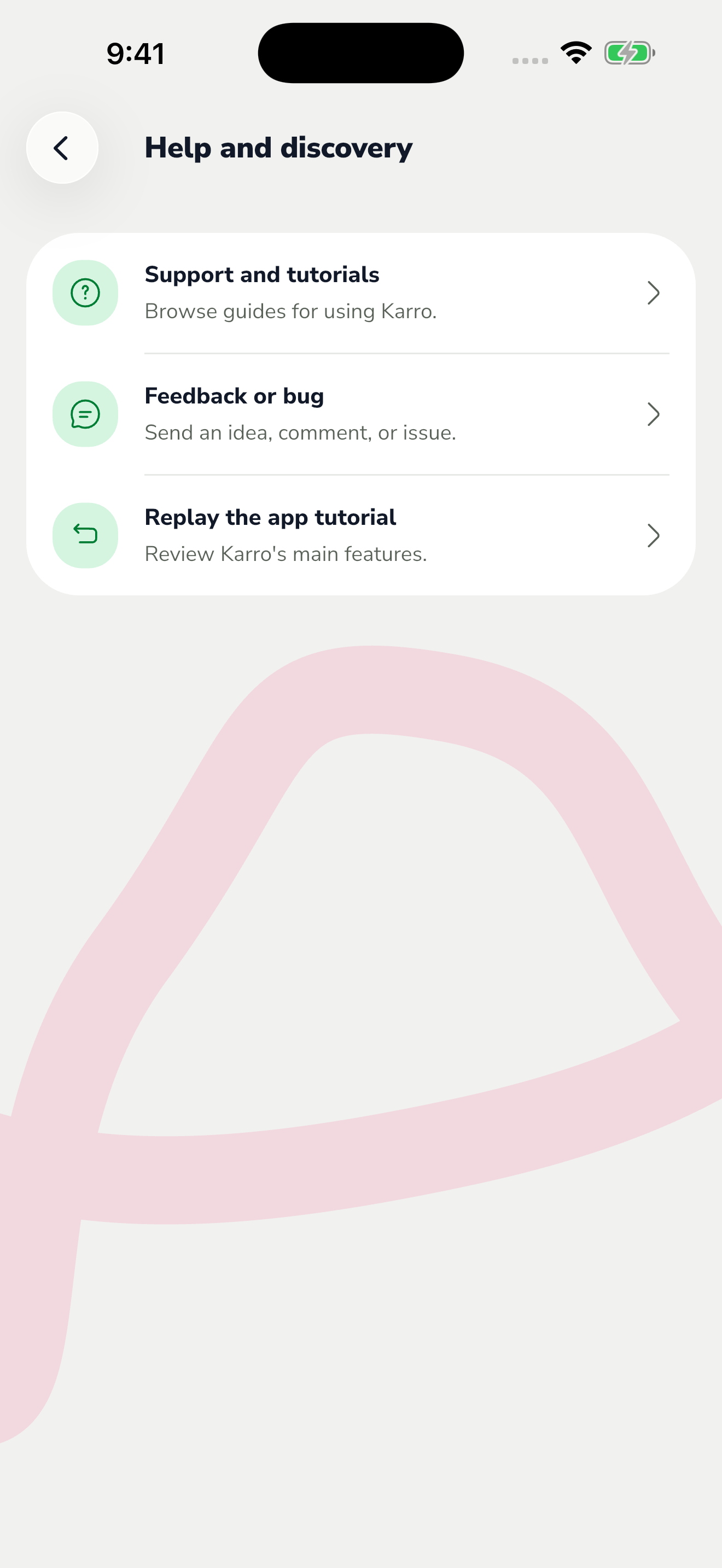
The red area shows where to tap in step 1. Describe the exact flow, the buttons you tapped, what happened and what you expected. Mention whether the issue happens every time or occasionally.
Include your phone model, operating system and the Karro version shown in Profile > App > Advanced options. If you attach a screenshot, hide email addresses and other personal information.
Send your message to support@karroapp.com. Never send your password or a sign-in or verification code.