Steps
Open the menu in Weeks and find the meal you want to change. The other recipes can stay in place.
Tap the three dots on that recipe card, then Change recipe. The replacement panel shows available alternatives.
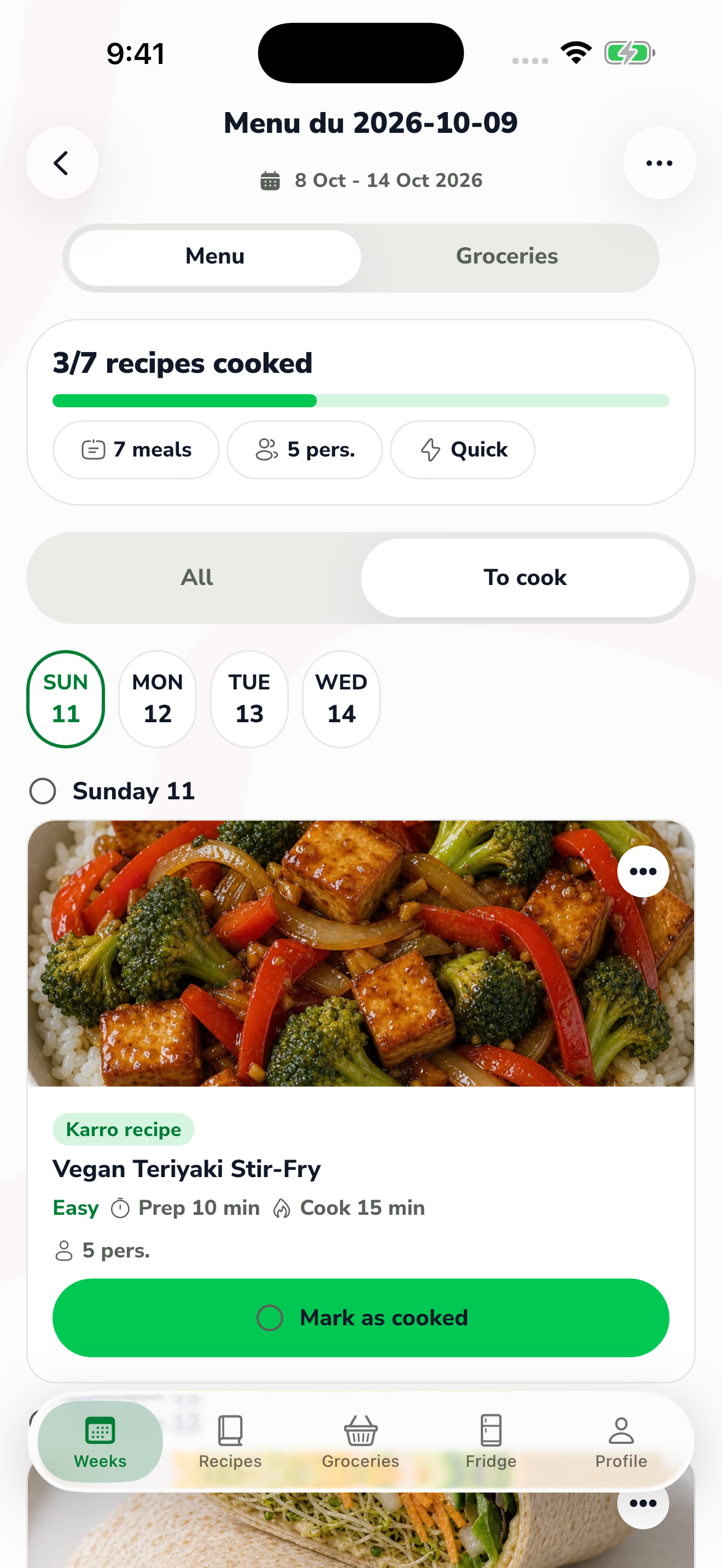
The red area shows where to tap in step 2. Browse the suggestions and choose the dish you want. Check its ingredients and requirements before confirming the replacement.
Review the new recipe in the menu. If you already prepared groceries, review the associated list to account for the new dish's ingredients.