Steps
Open the menu you want to keep, then the three dots at the top right. A template lets you reuse a set of meals without choosing every recipe again.
Tap Save as template and complete the panel shown. Give it a name that will help you recognize the set of meals.
Return to Weeks and open Saved templates. Find the template using its name and recipe preview.
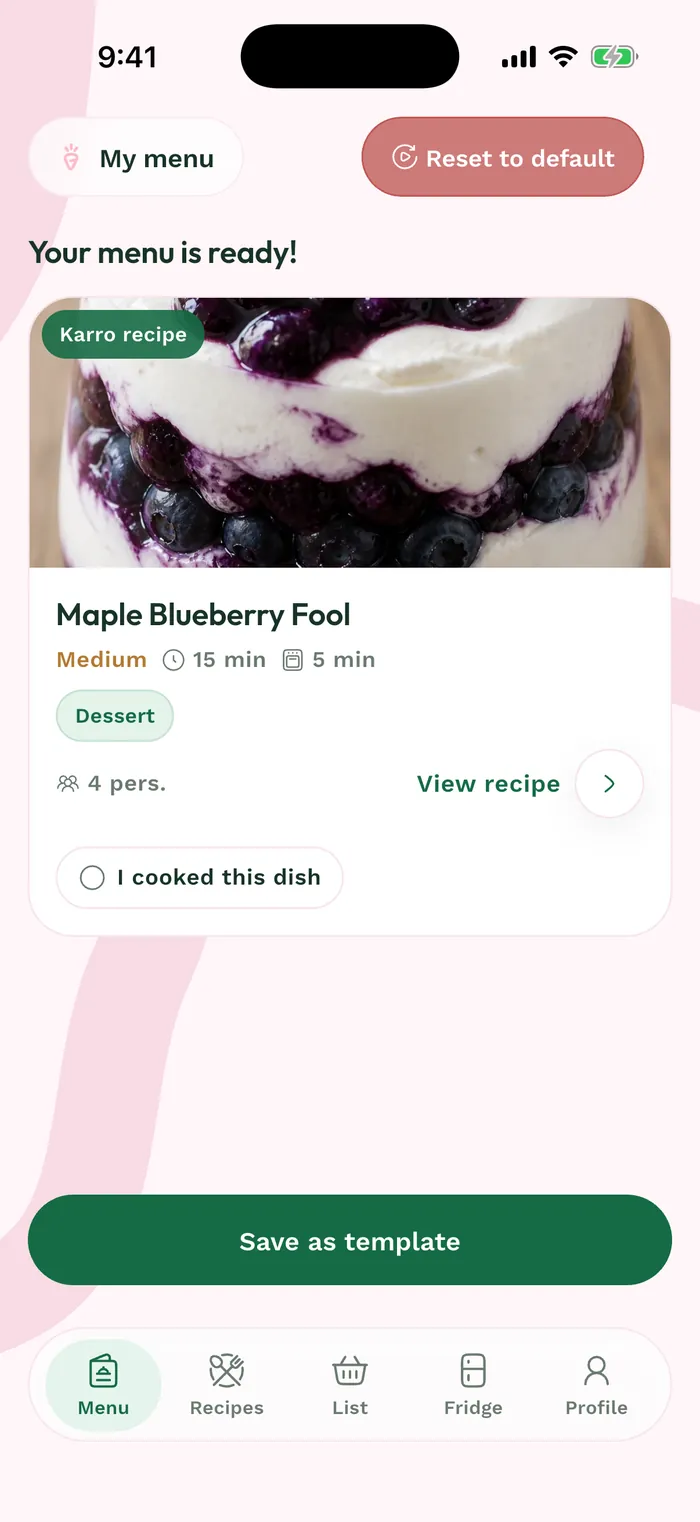
The red area shows where to tap in step 3. Tap Use, choose a starting date and confirm. Review the new menu and prepare its groceries for the new period.