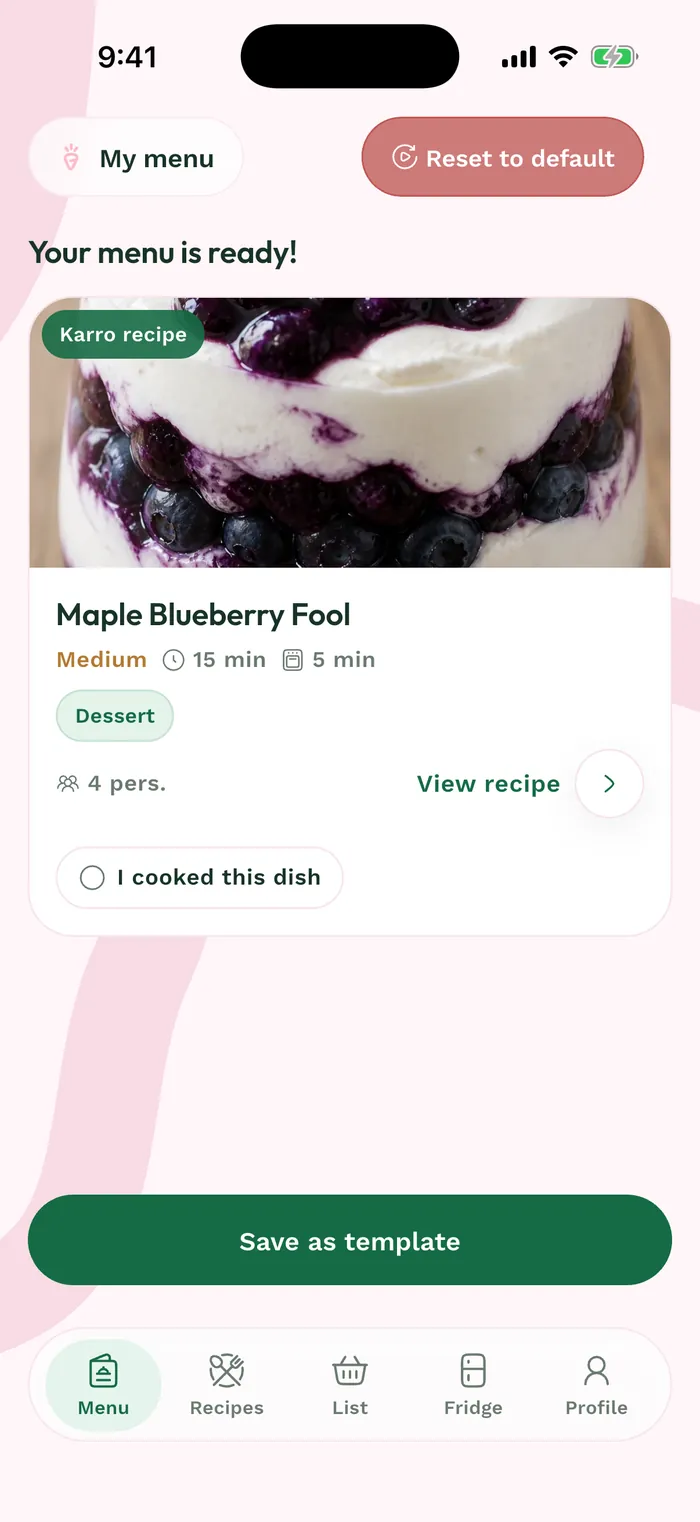
Steps
In Weeks, open the relevant menu and find the recipe you prepared. The summary at the top shows how many recipes are already cooked.
Tap Mark as cooked on the recipe. Its card switches to Cooked and the menu count updates.
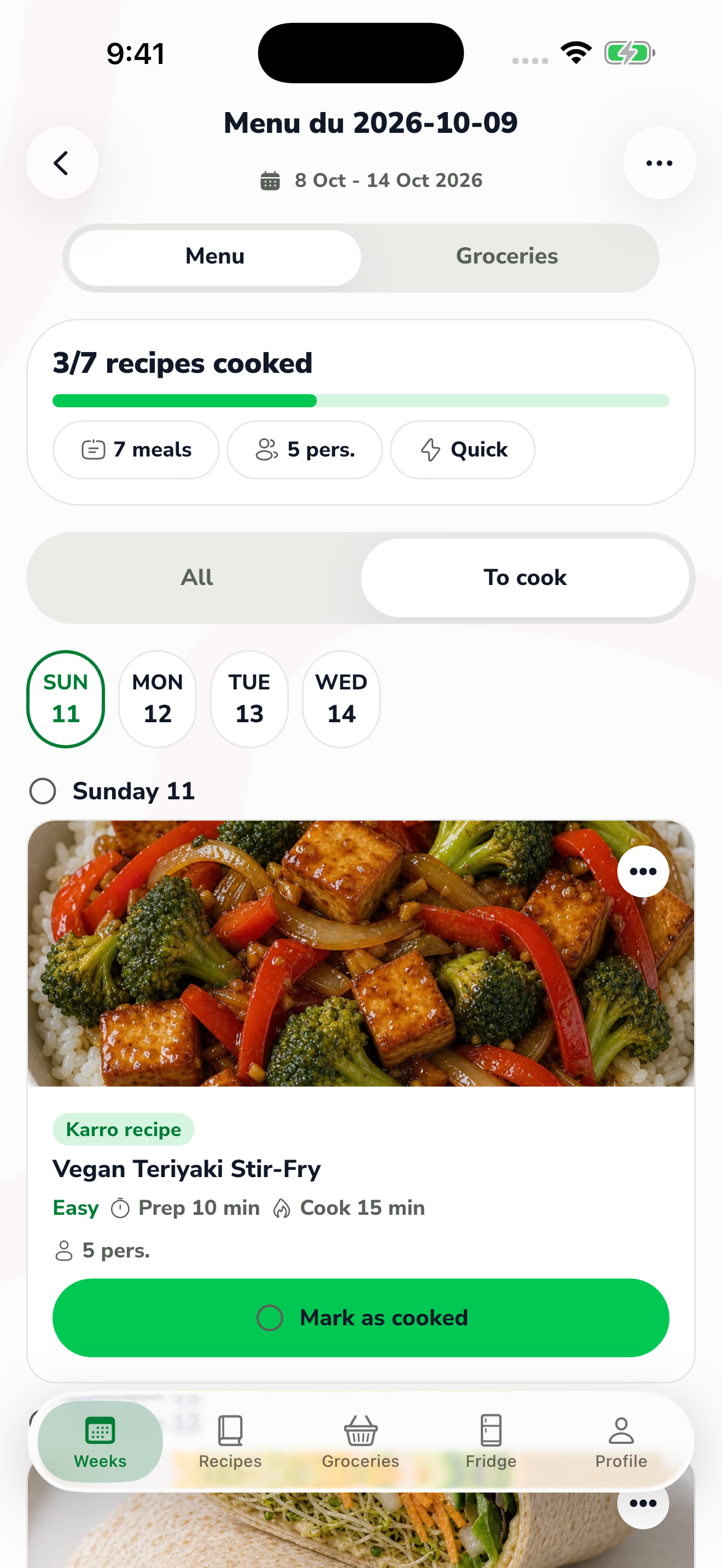
The red area shows where to tap in step 2. Use All to find completed meals as well, or To cook to focus on dishes still to prepare.
If you marked a meal by mistake, find its card and tap its status button again. Check that the progress reflects what you actually cooked.