Steps
Open Weeks and tap Create a menu. If you have no menus yet, the welcome button is called Create my first menu.
The red area shows where to tap in step 1. Choose the number of days, number of meals and servings. Set the maximum difficulty, then use Menu start to choose the starting date.
Review Your grocery stores and Dietary preferences. Tap Edit in the preferences section if you need to adjust the diets used for this week.
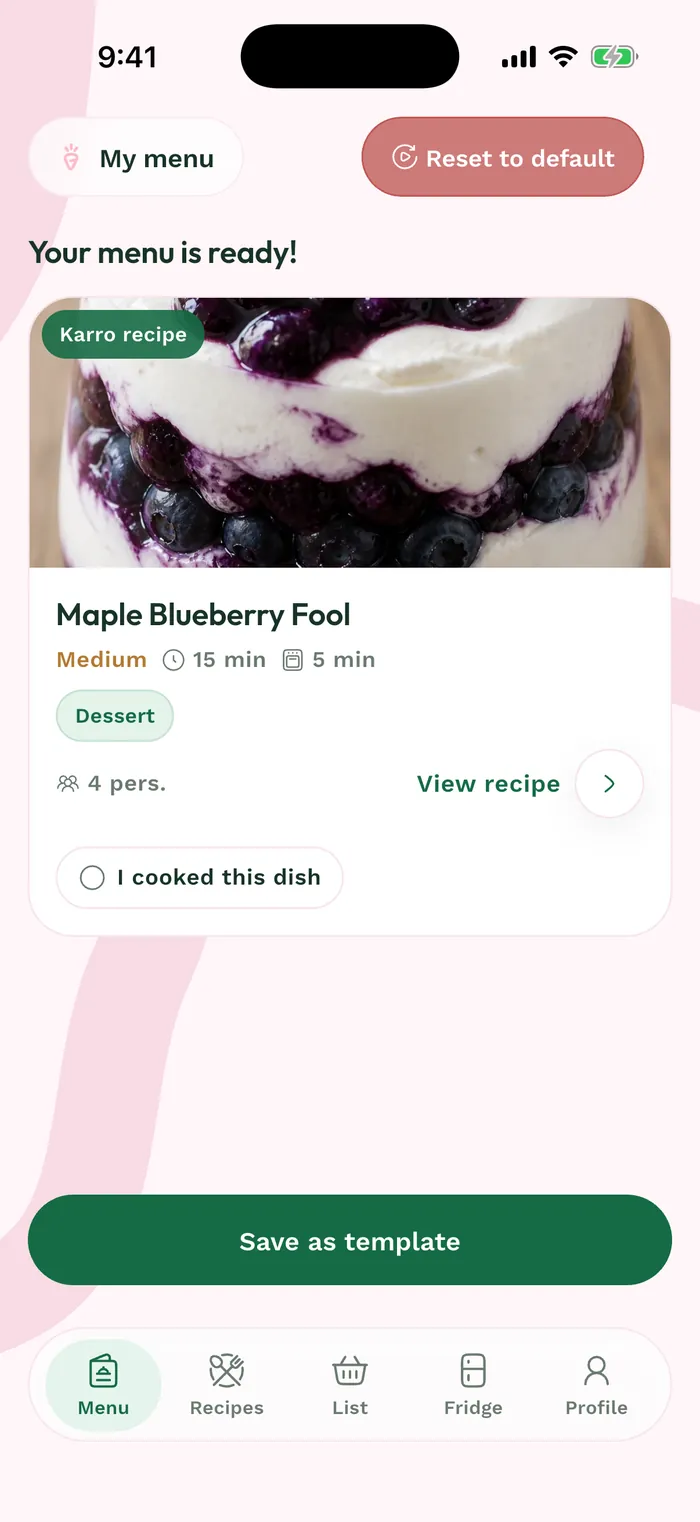
Tap Build my week and wait for generation to finish. Open the menu card under Current or Upcoming, depending on its date, to review the suggested meals.