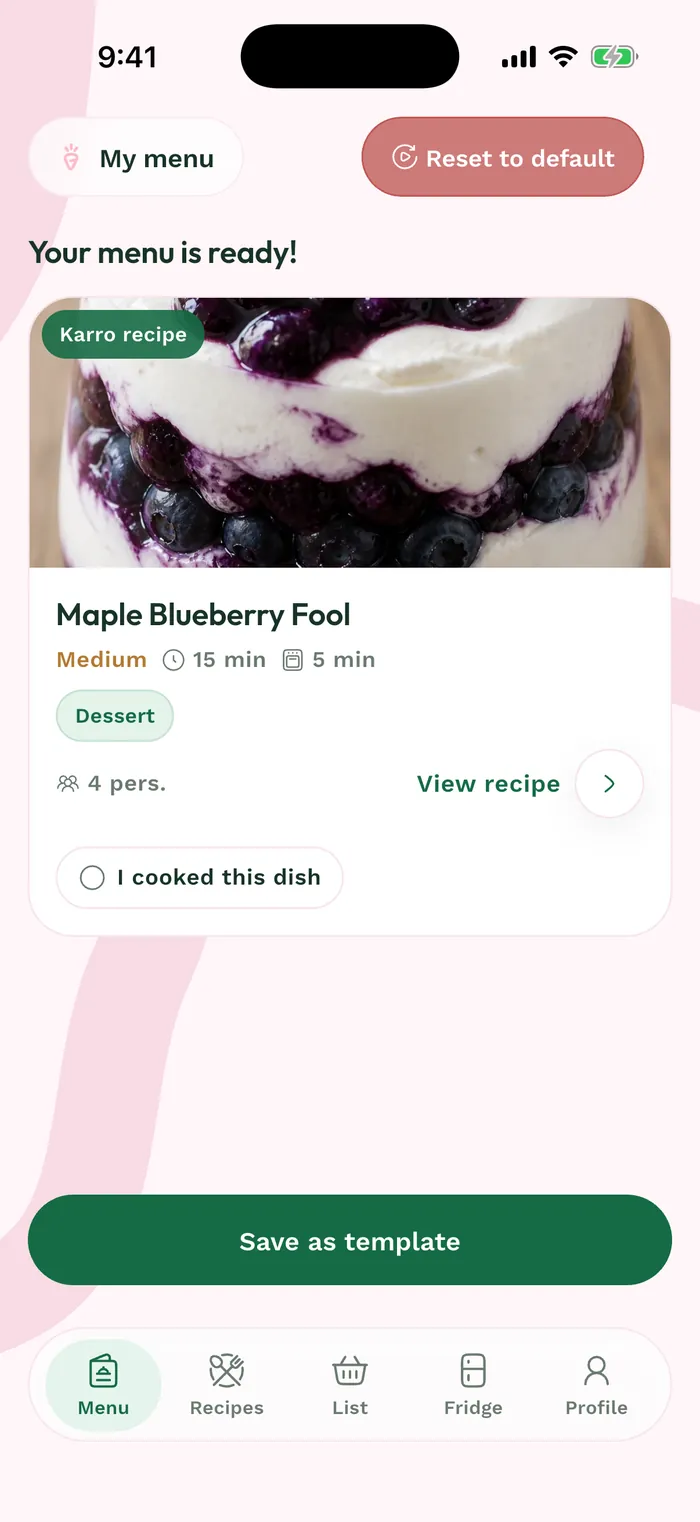
Steps
In Weeks, tap Create a menu to set up a new week. Check the suggested values before starting.
Adjust days, meals and servings with the minus and plus buttons. The Max difficulty slider sets the highest recipe difficulty you accept.
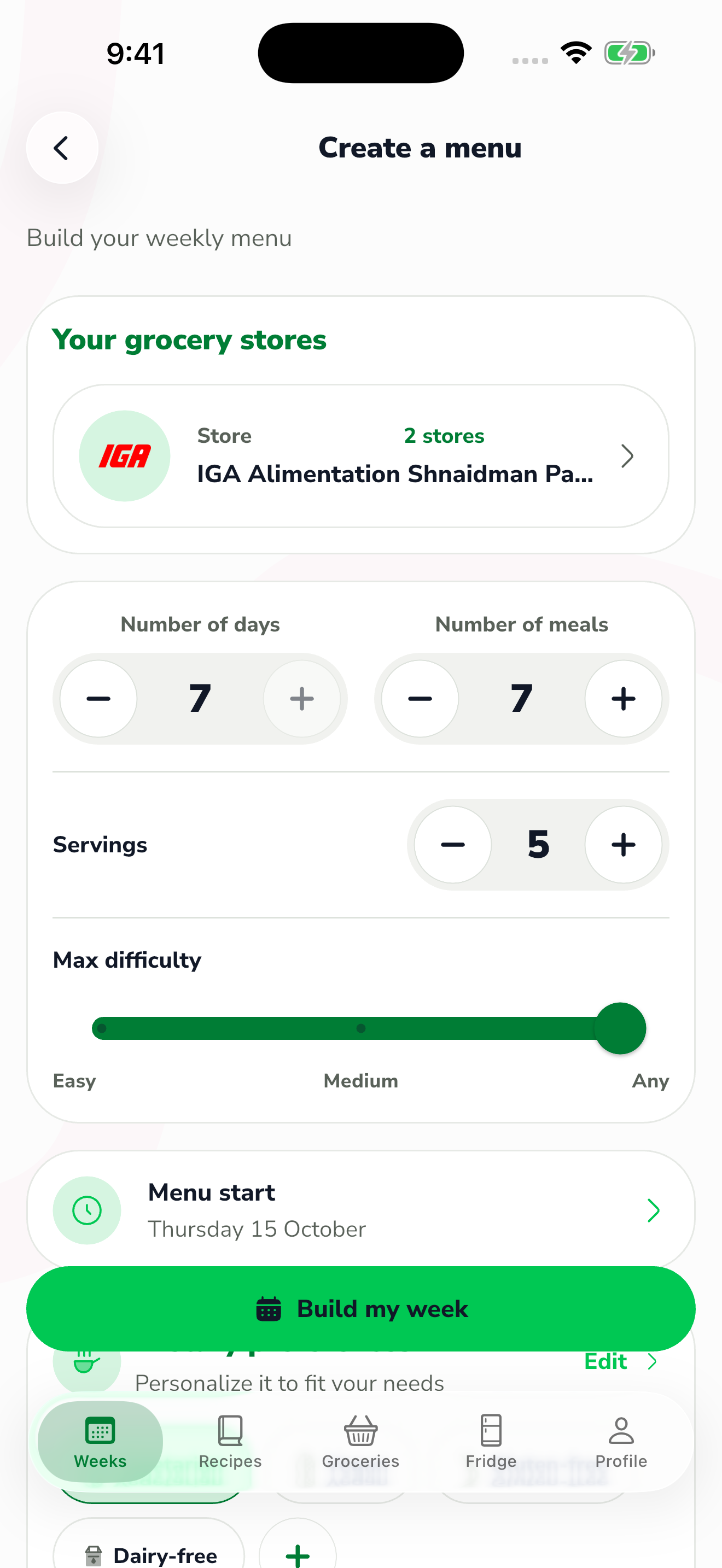
The red area shows where to tap in step 2. Tap Menu start to choose a date. Review the selected stores and use Edit under Dietary preferences to adjust this menu's diets.
Tap Build my week when your choices are ready. Review the resulting recipes before preparing groceries; these settings apply to the menu you are creating.