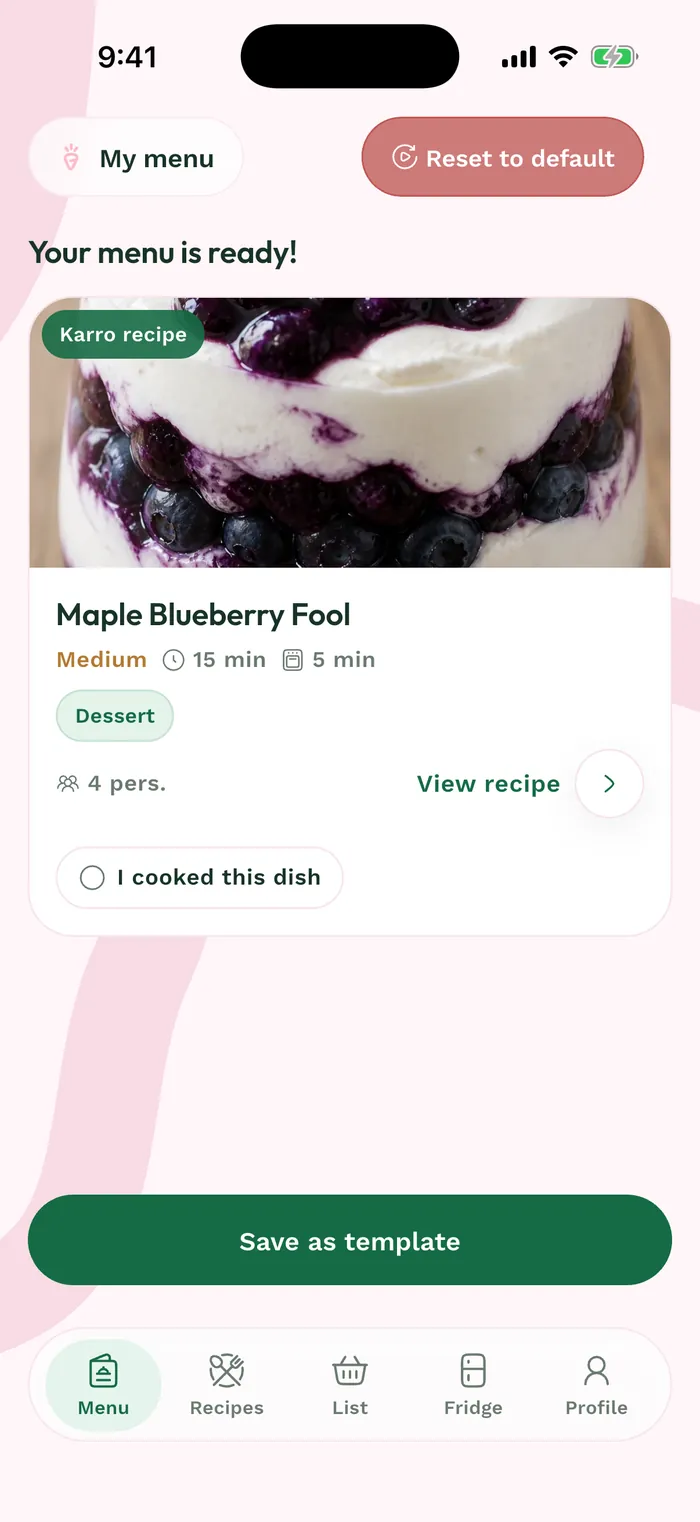
Steps
Open the menu in Weeks. Check its name and dates so you are managing the right week.
Tap the three dots at the top right to open its actions. Rename changes the name displayed on the menu card.
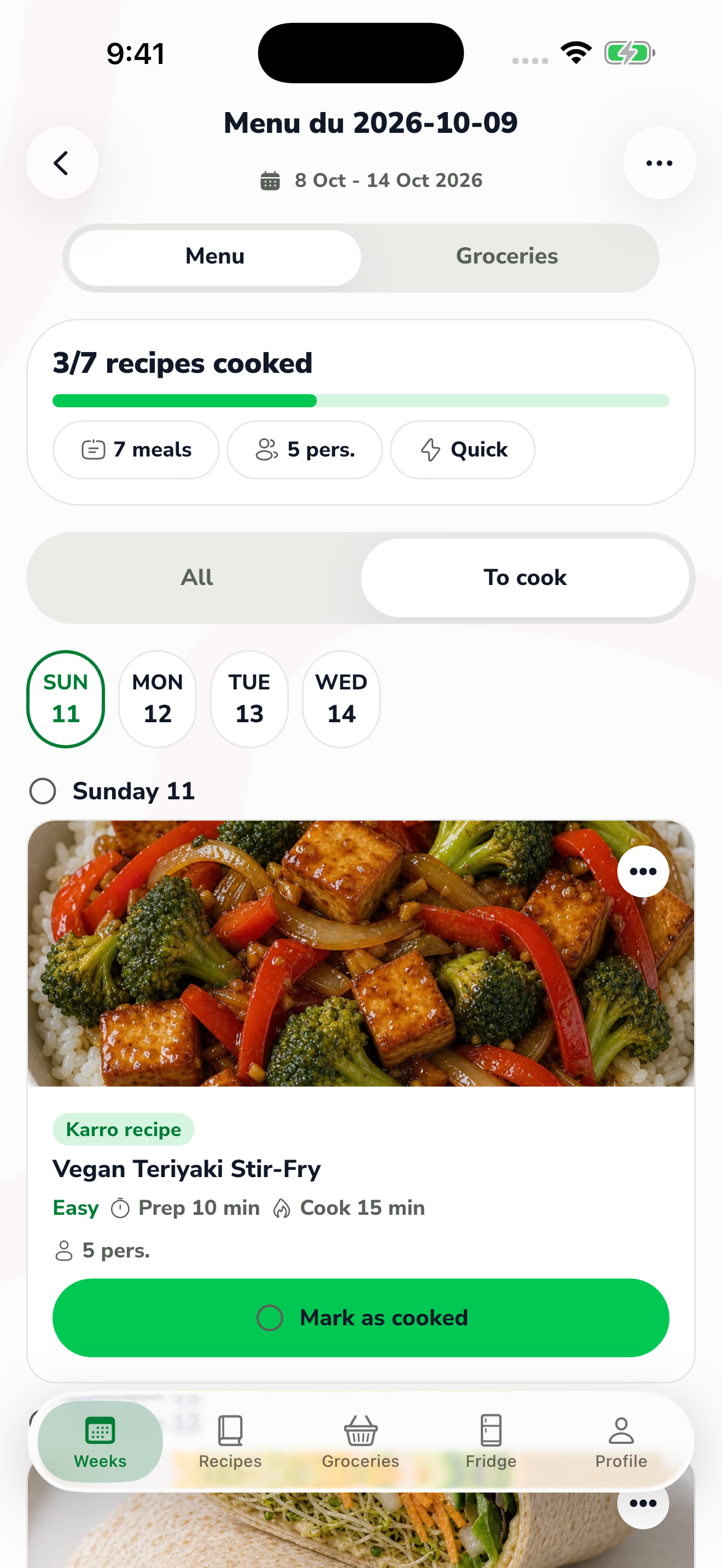
The red area shows where to tap in step 2. Choose Archive to put the menu under Archived. You can find it there later and use Restore to make it active again.
Use Delete menu only when you want to remove it permanently. Read the confirmation before proceeding; use archiving when you want to keep it outside the current view.