Steps
On the Karro website, open Stores to browse locations shown in the current coverage. The data concerns specific stores.
Enter your Canadian postal code to find nearby results. Check the city and full address before choosing a location.
Use banner filters to narrow your search. A banner appearing in a region does not mean every one of its locations is available.
In the app, open Profile > Meals > My grocery stores, choose the city and browse the offered locations. Save the ones you use to work with their products and observed prices.
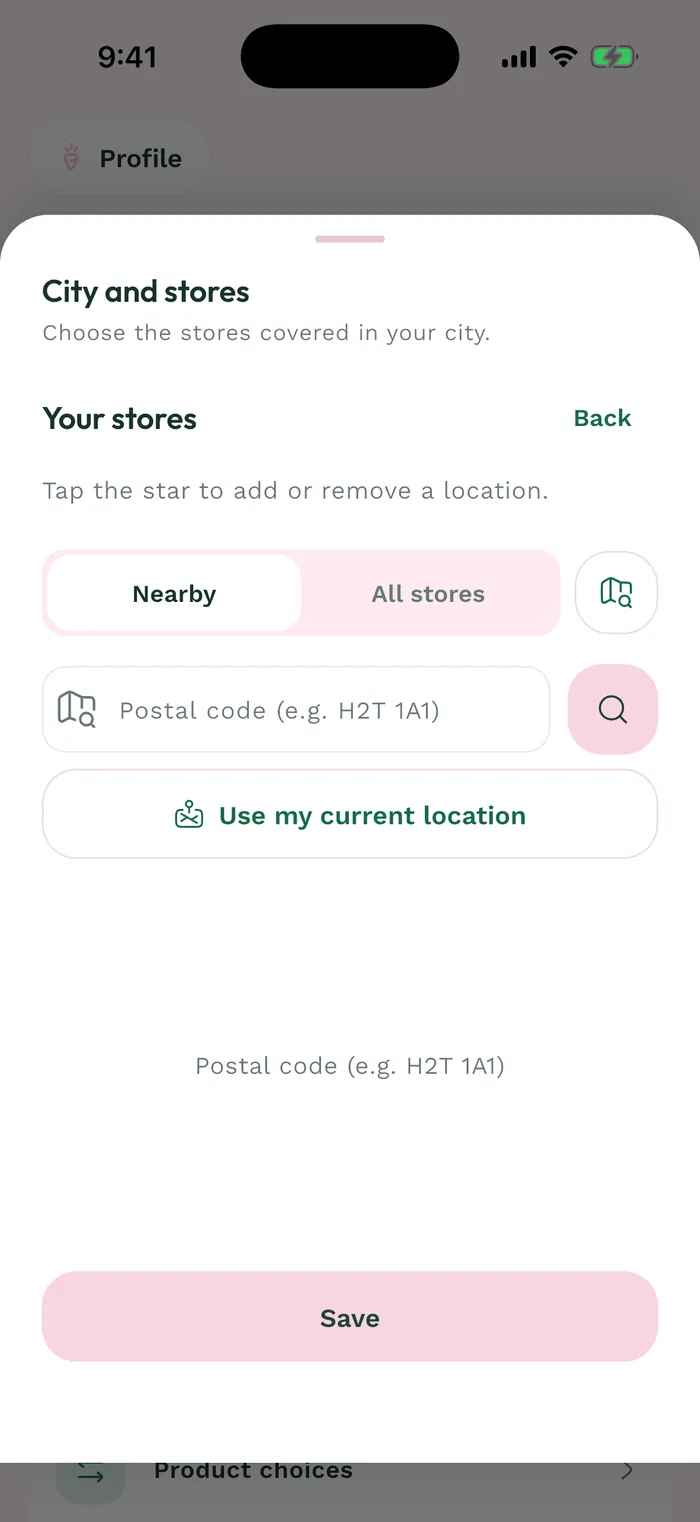
The red area shows where to tap in step 4.