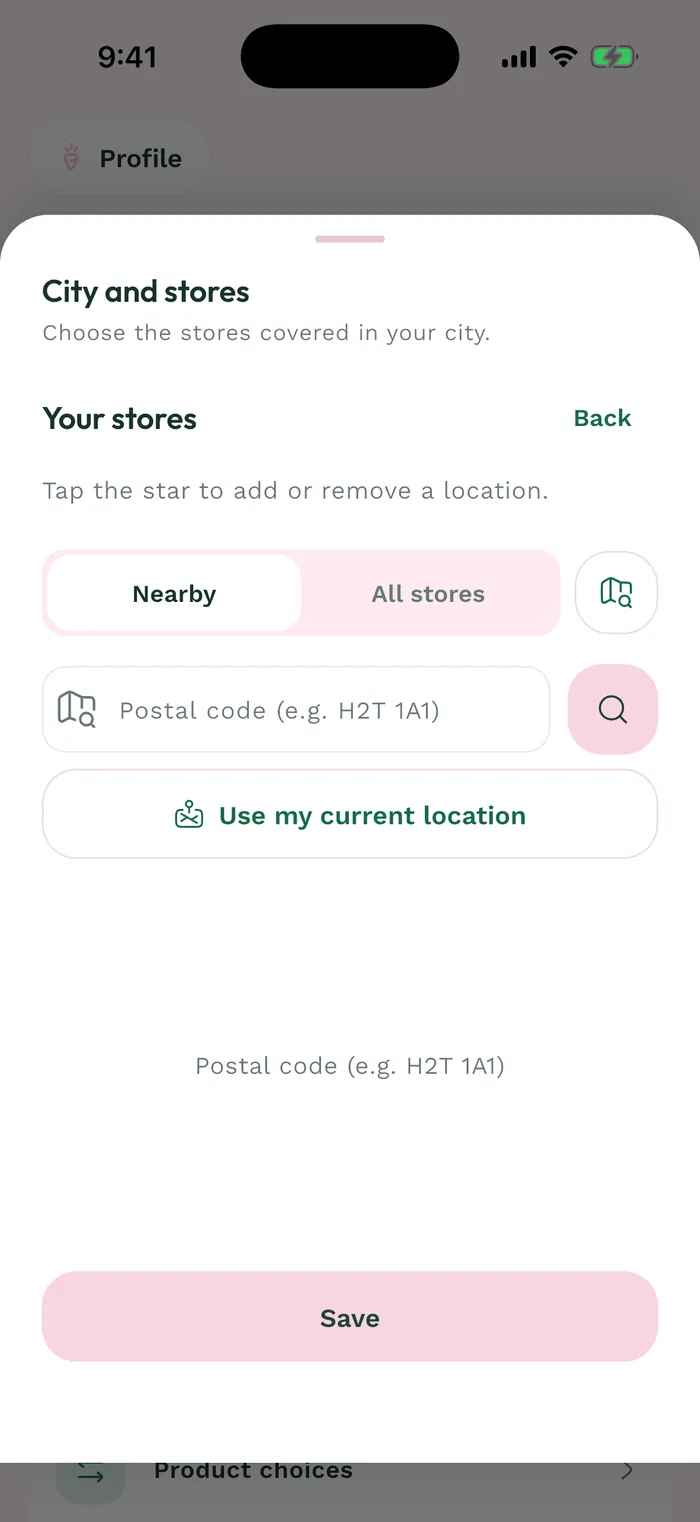
Steps
In Groceries, open the list and use Missing to find items without a matched product. First check your saved stores under Profile > Meals > My grocery stores.
Tap Replace beside an item to view suggested matches. An ingredient may remain without a price when no usable match is available in the data consulted.
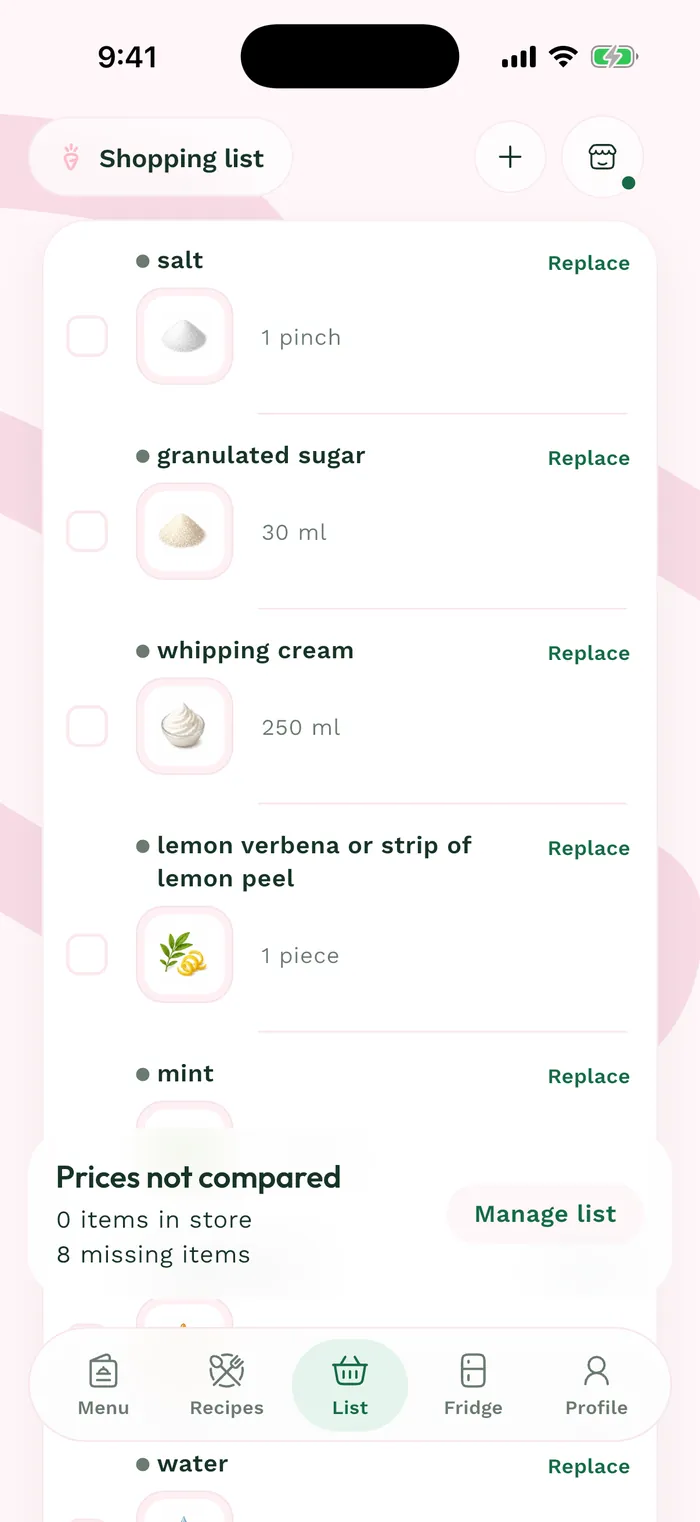
The red area shows where to tap in step 2. Review products at your other saved locations and choose a suitable package size. Available matches may differ between stores.
If no product fits, keep the ingredient in the list to check in store. Account for its unavailable price when estimating your shopping budget.