Steps
Open Profile > Meals > My grocery stores. Check the selected city in City and stores, then tap Continue.
Use Nearby with a postal code, All stores to browse supported locations, or Favorites to manage your current selection.
Turn a location's switch on to add it, or off to remove it. Check its name and address to choose the right store.
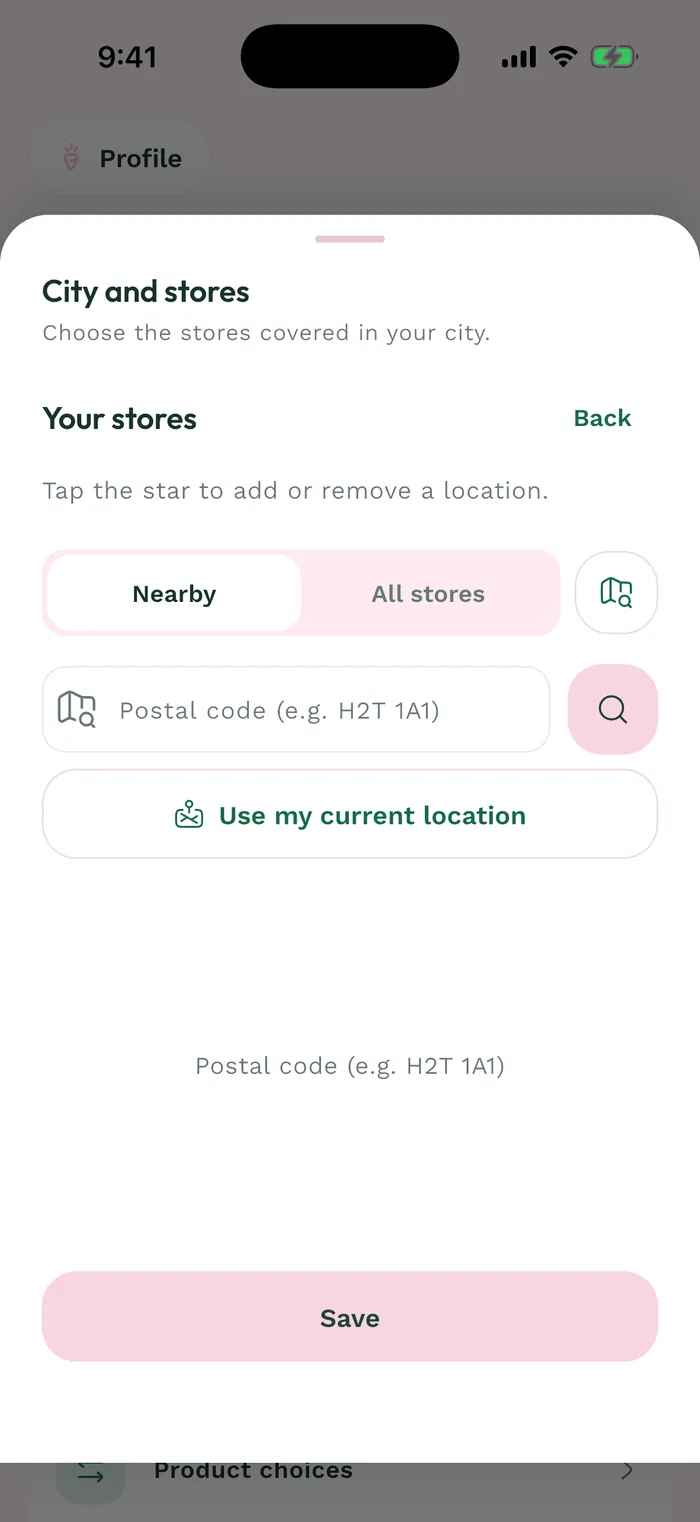
The red area shows where to tap in step 3. Tap Save to apply the selection. If nothing has changed, the button stays disabled. Products and prices depend on the locations you select.