Steps
In Groceries, open the list and find the item to change. Check its currently selected product, store, package size and quantity.
Tap Replace to the right of the item. The panel shows suggested matches for that ingredient at your saved stores.
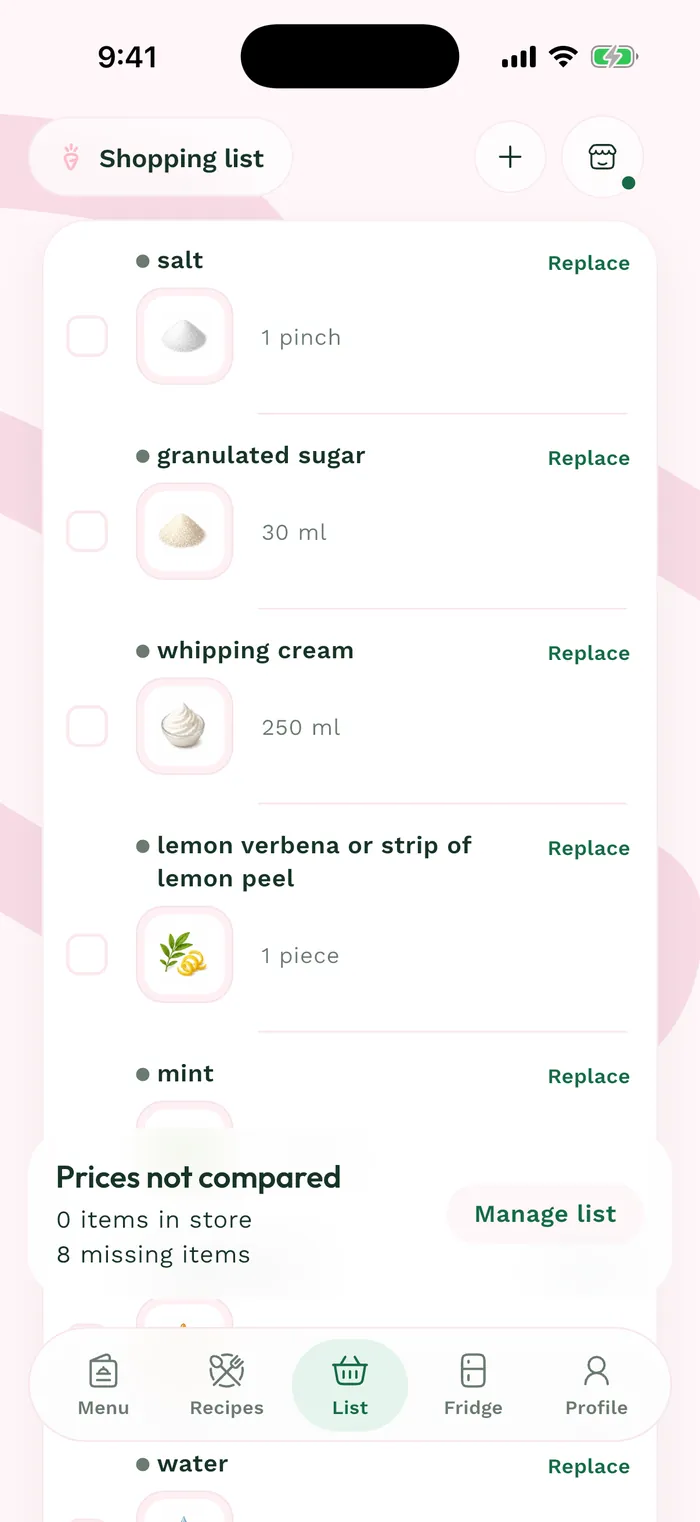
The red area shows where to tap in step 2. Choose the product that fits your purchase by comparing package size, brand and observed price. Check the quantity before confirming as well.
Confirm with Replace, then review the item in the list. Its store and the estimated total reflect the new choice; an observed price can still change in store.