Steps
Open your list in Groceries. If you shop at one store at a time, select it under Filter by grocery store.
Use All, Found, To complete and Missing to show the items you need at that moment. These filters change which items are displayed.
Check an item when you put it in your cart; tap its checkbox again to undo a mistake. Progress at the top counts all items, including those hidden by a filter.
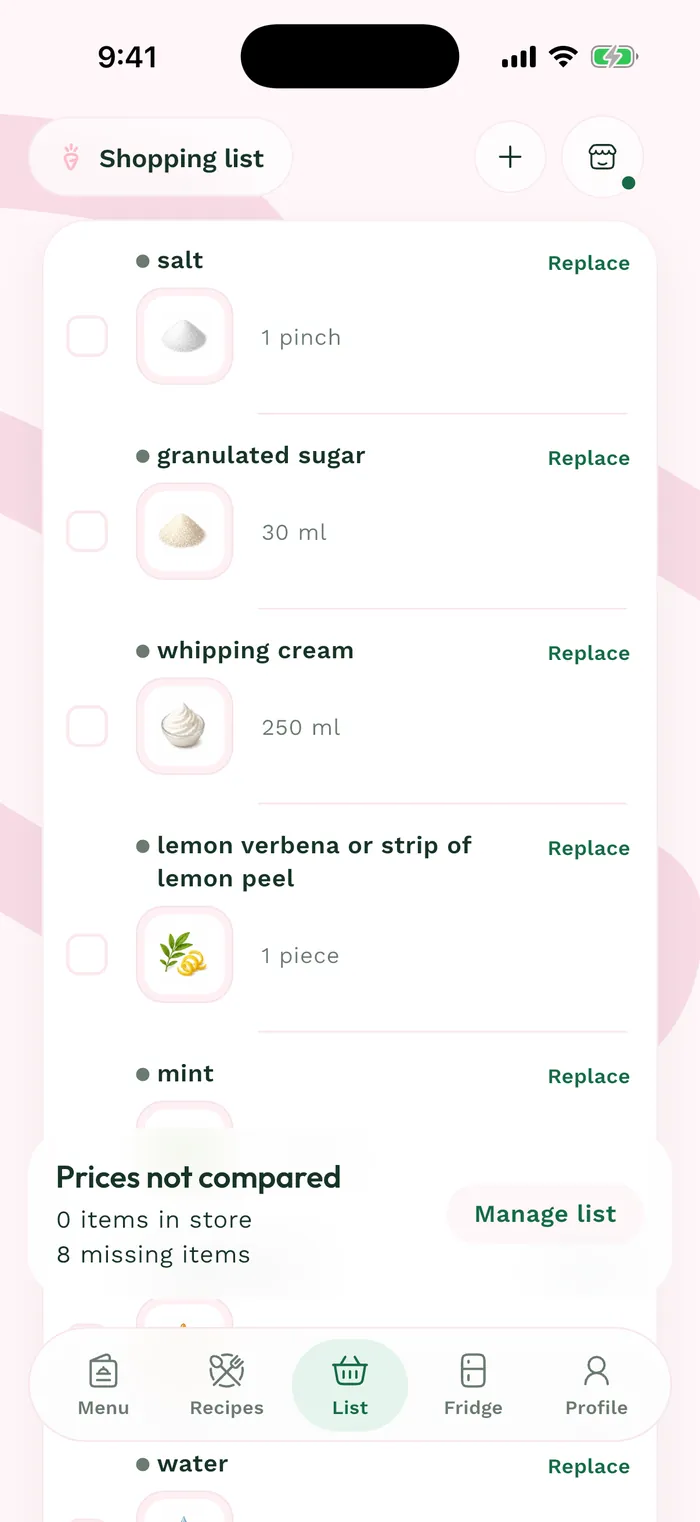
The red area shows where to tap in step 3. To start with an empty list, open Manage list > Clear list and read the confirmation. This removes items; it is separate from hiding purchases you have already checked off.