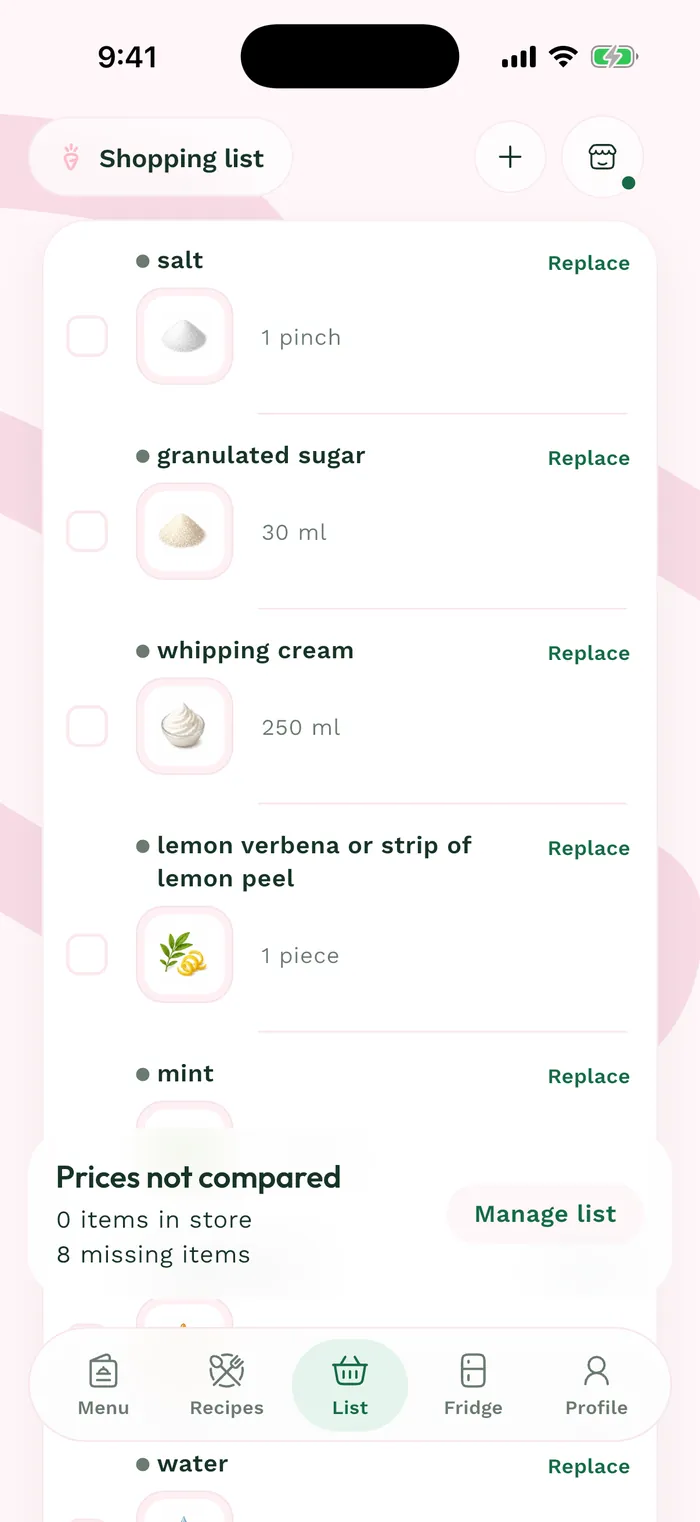
Steps
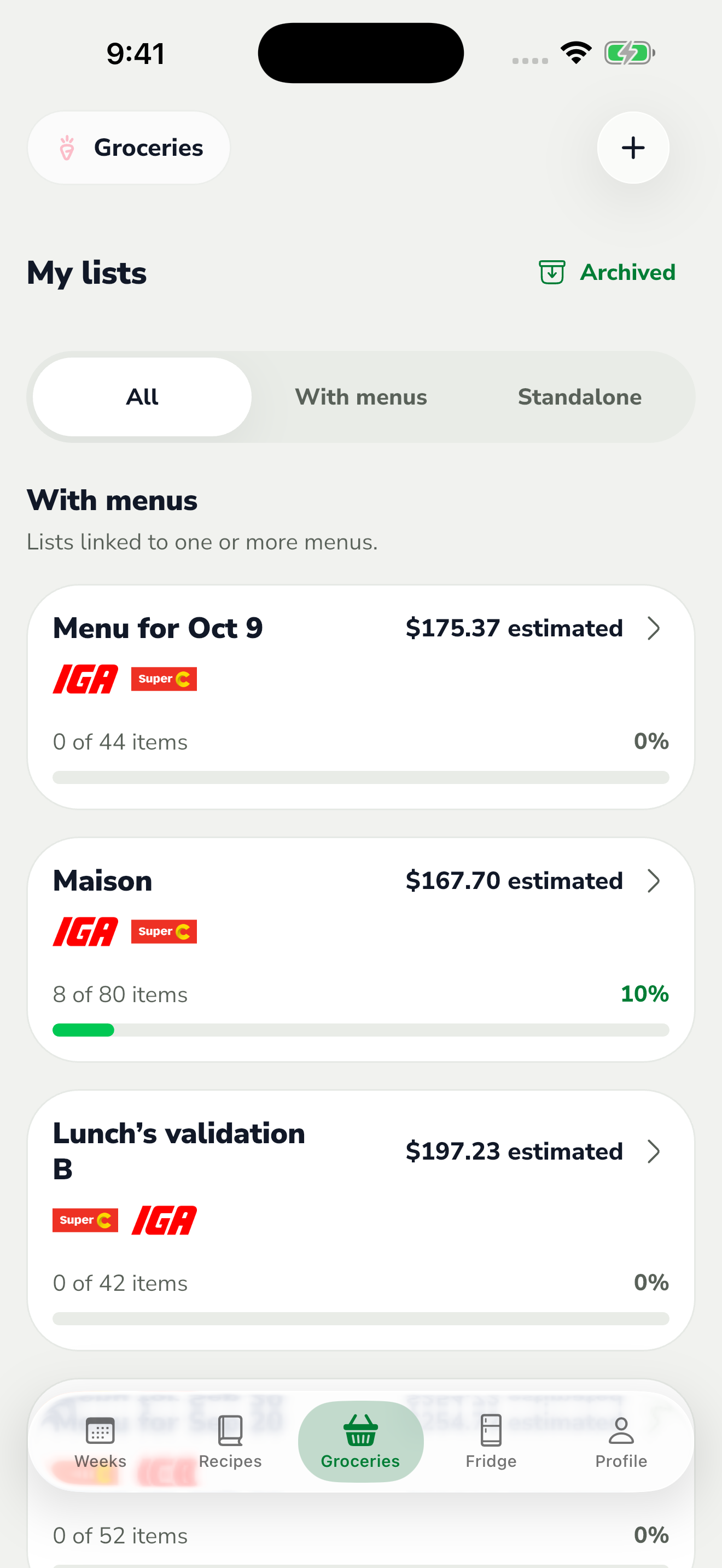
Open Groceries and tap the + button at the top right. A standalone list lets you prepare shopping independently of menus.
The red area shows where to tap in step 1. Enter a name in New list, such as Saturday groceries, then tap Save.
The list opens. Tap the + button in its header to search for ingredients and add items.
Find it later in Groceries with the Standalone filter. Lists linked to menus are available under With menus; All shows both types.