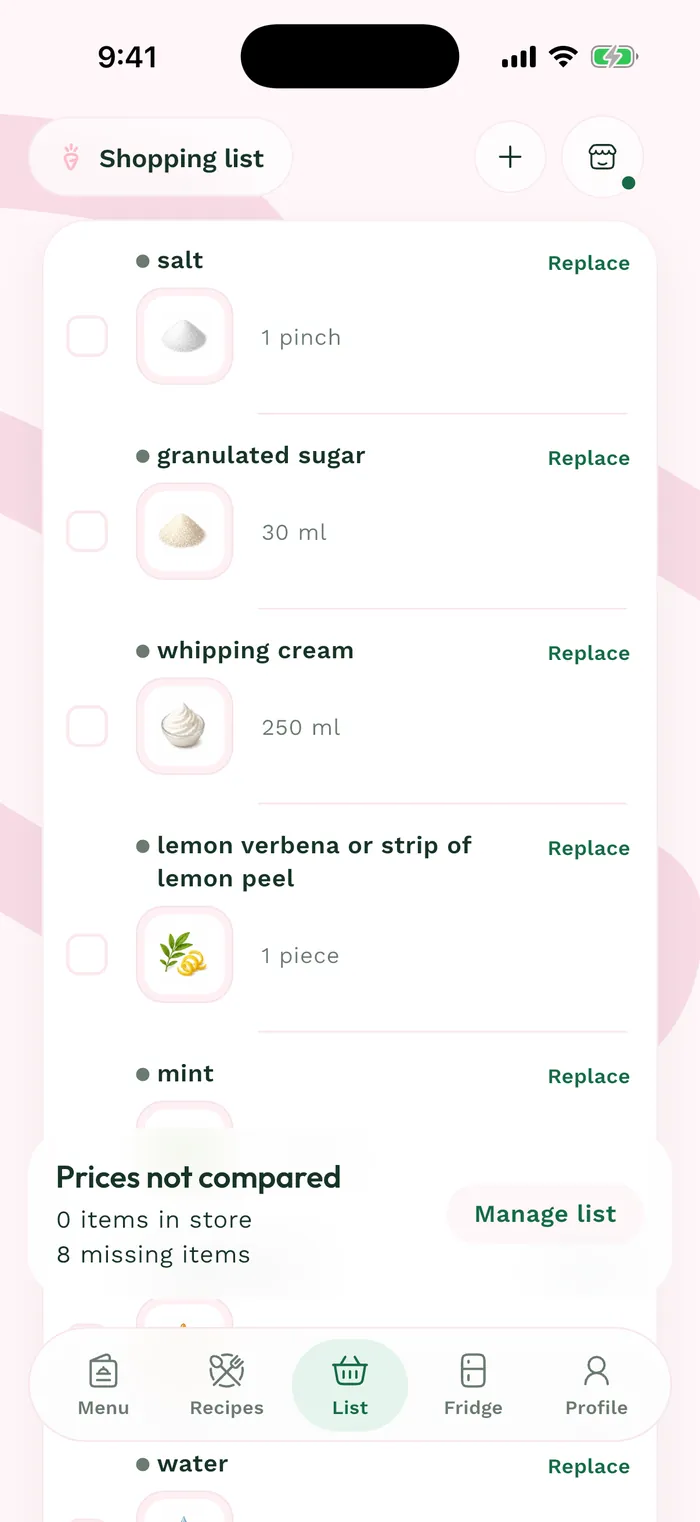
Steps
In Weeks, open the menu and its Groceries tab, then tap Prepare groceries. If a list is already linked, open the menu's three dots and Change destination to choose another list.
Open Destination list. Choose a new list for this menu or an existing list, then confirm your choice in that panel.
Open Preparation mode and choose With prices or Ingredient list. Tap Choose this mode. With prices then shows Prepare my list; Ingredient list shows Review items.
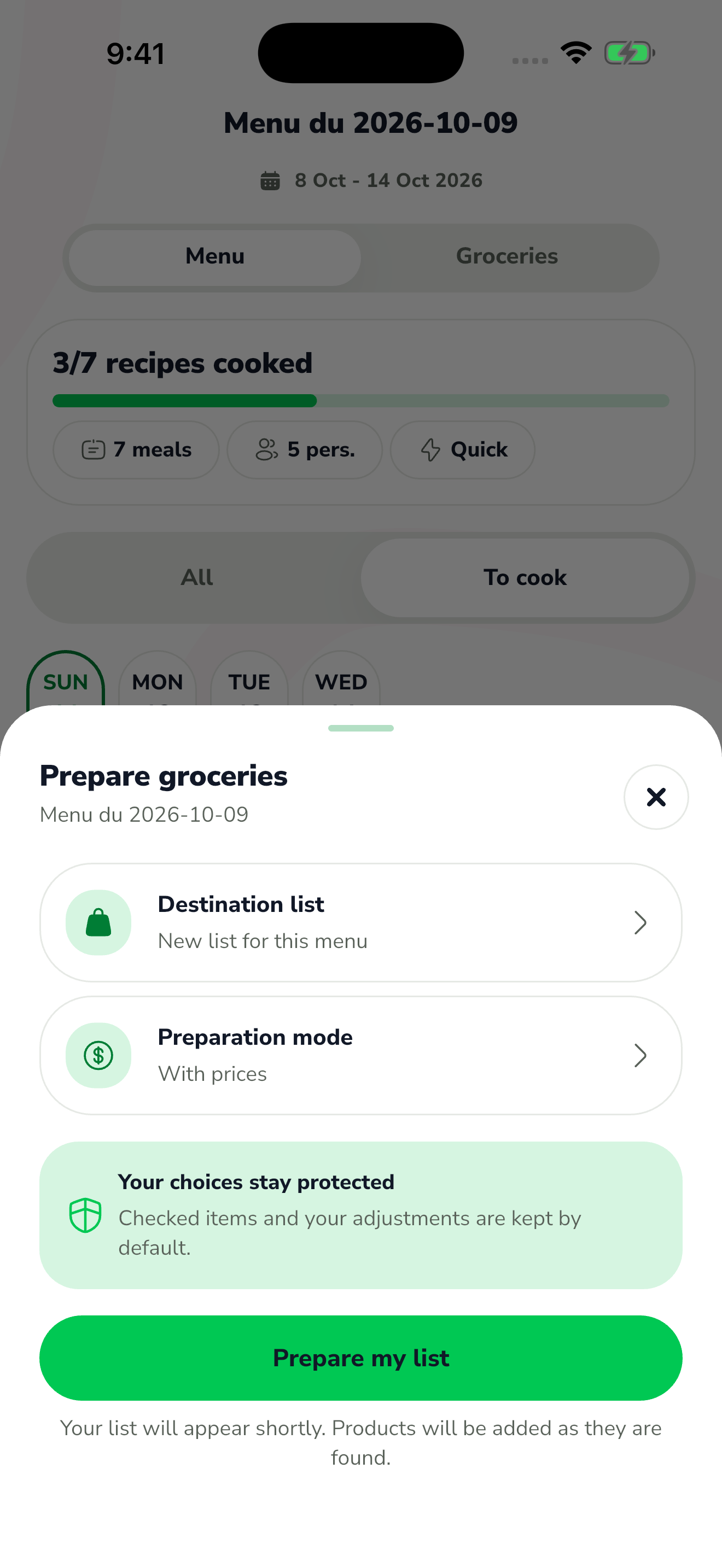
The red area shows where to tap in step 3. With prices, Prepare my list opens product discovery, with products arriving progressively. With Ingredient list, review additions, removals and adjustments in the preview before confirming. Checked items and your custom choices are preserved by default.