Steps
With Karro Pro, save the stores you want to include, then prepare a list With prices. They must be supported locations in your city.
Open the list in Groceries. Estimated total shows the known amount and the counts of known and unavailable prices.
Under Filter by grocery store, review amounts and item counts. They are distributed among stores according to the product selected for each item.
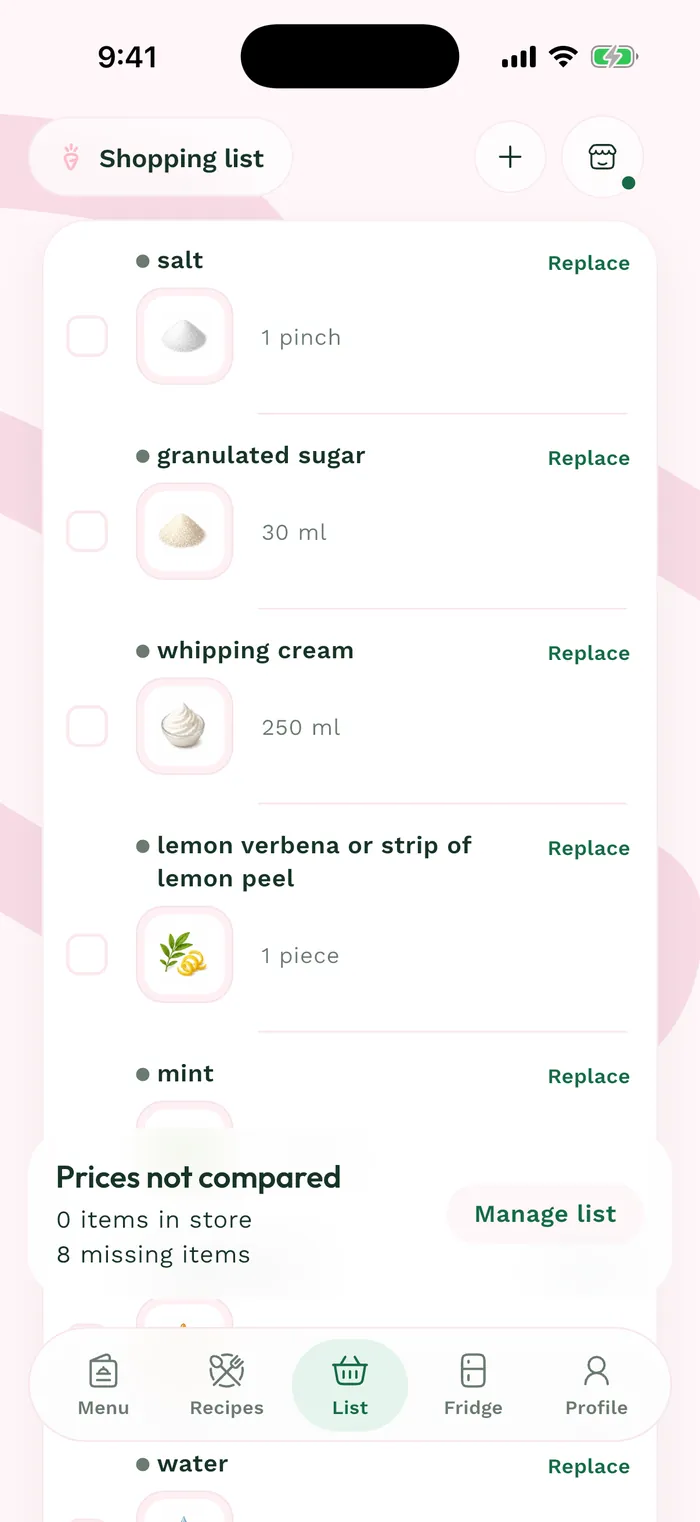
The red area shows where to tap in step 3. Tap a store to see purchases assigned to it, then All stores to return to the full list. Review items without prices before relying on the displayed budget.