Steps
Open the list in Groceries and tap Replace beside the item. To change stores, choose a product offered by another saved location.
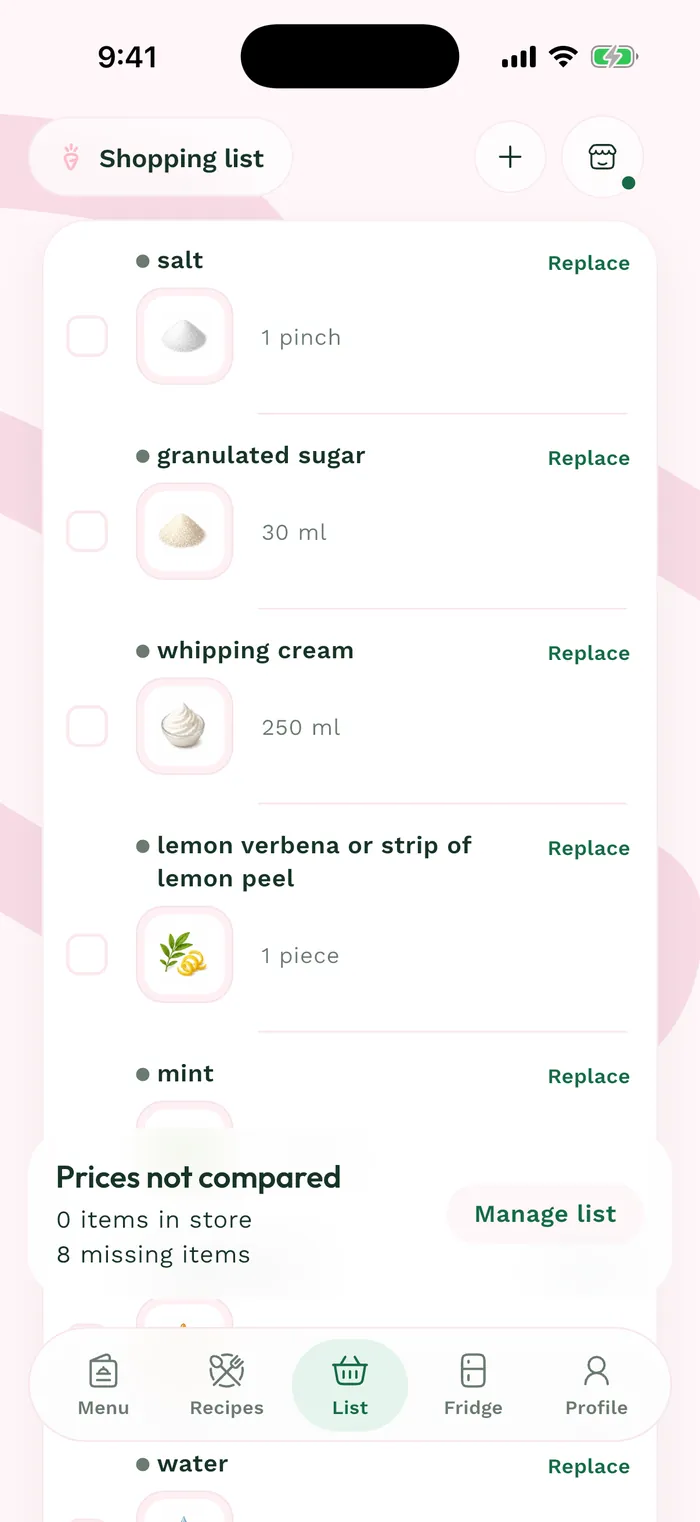
The red area shows where to tap in step 1. Find the store's name and address in the results, then select a product from its section. If it is missing, first add the store under Profile > Meals > My grocery stores.
Check the package size and quantity, then confirm with Replace. The item is assigned to the location associated with that product.
Return to the list and use Filter by grocery store to check its new assignment. Each store's amount depends on the products assigned to it.