
Steps
Open a recipe and scroll to the Add a note button. Notes keep your personal adjustments for that dish.
Tap Add a note to open the editor. If a note already exists, the button offers to edit it.
Enter up to 500 characters, such as an ingredient substitution or cooking time suited to your oven. Tap Save to keep the text.
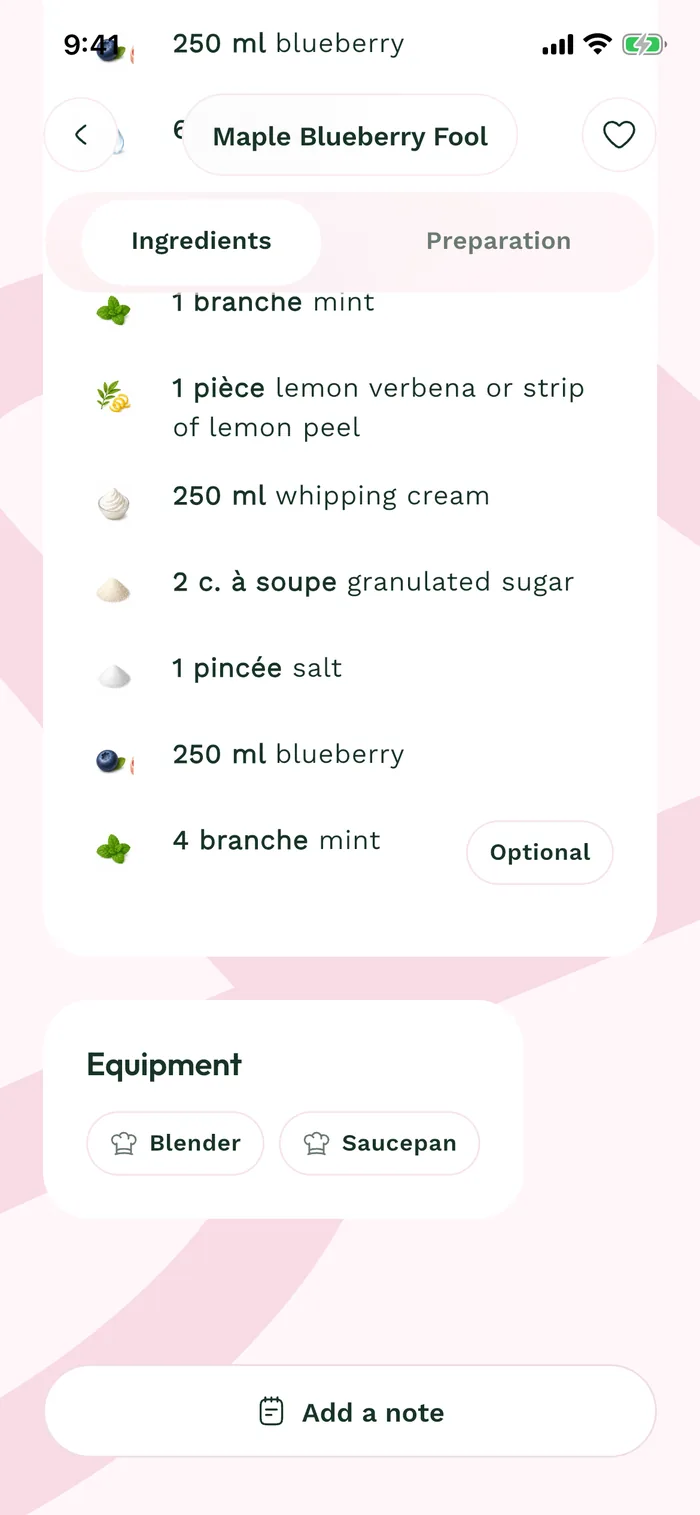
The red area shows where to tap in step 3. Reopen the note to read or update it. It stays on this device and does not change the catalog recipe or anyone else's notes.