Steps
In Recipes, open the dish you want to keep. The heart is at the top right, over the recipe photo.
Tap the heart to add the recipe to your favorites. Its selected state confirms the dish has been saved.
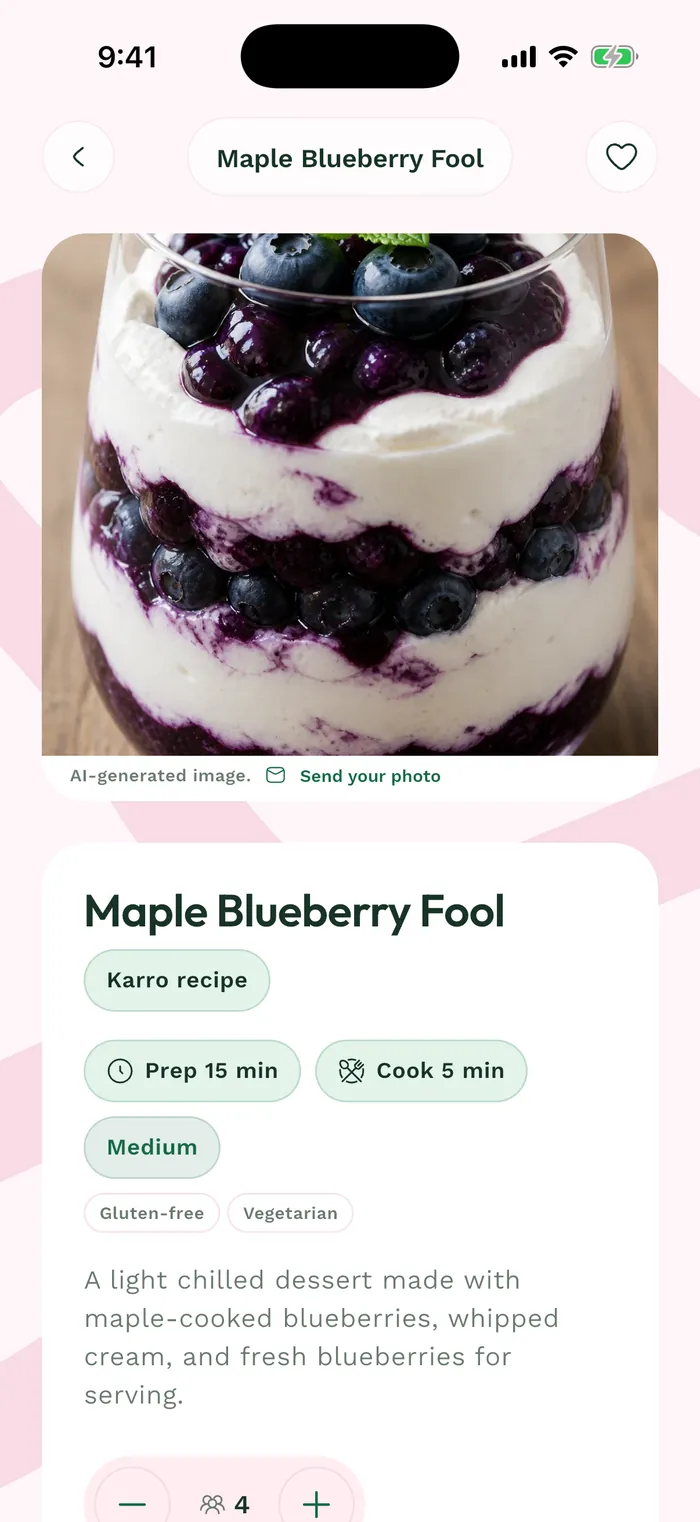
The red area shows where to tap in step 2. To find your favorites, use Favorites in the catalog, or open Profile > Meals > Recipes > Favorite recipes.
To remove a dish from your favorites, reopen its details and tap the heart again. The recipe remains available in the catalog.