Steps
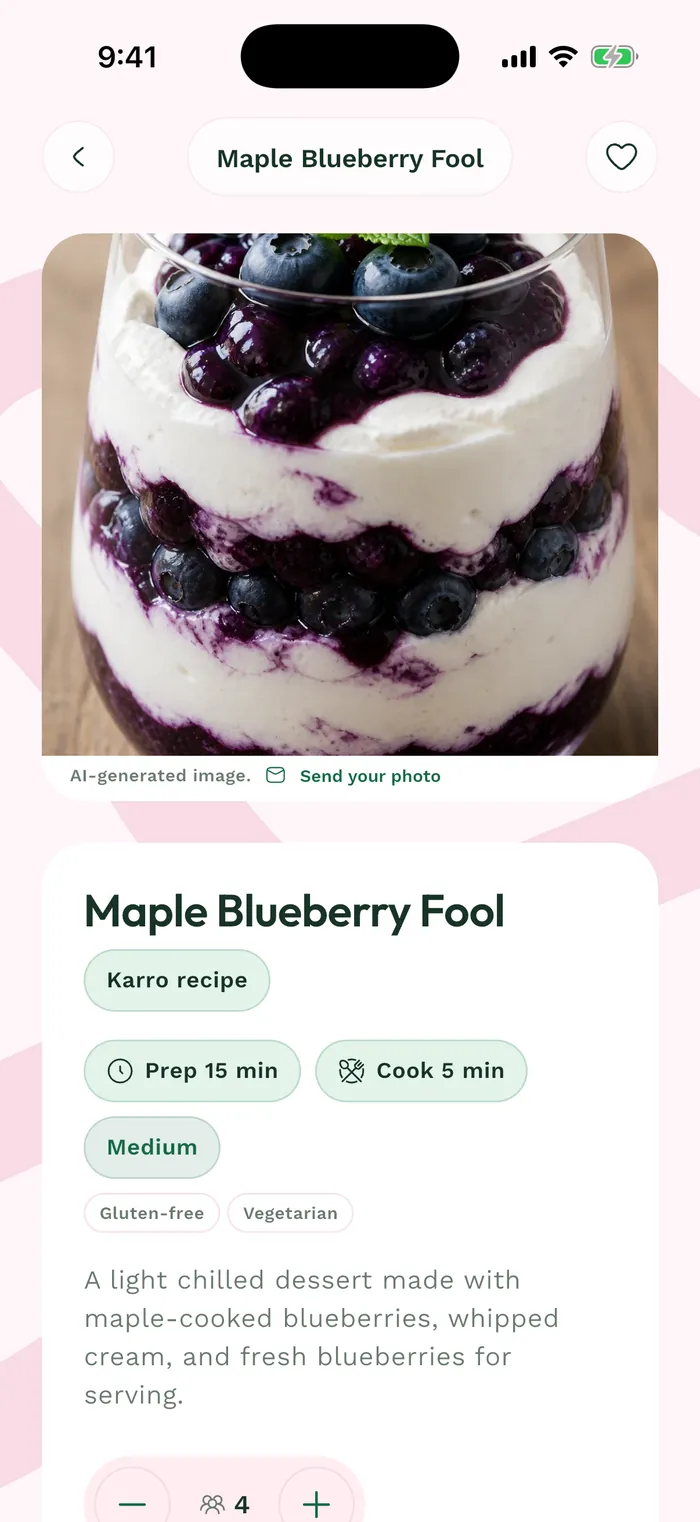
Open the recipe you want to plan from the catalog. Check its preparation and ingredients to make sure it fits your week.
Adjust the Servings block with the minus and plus buttons before adding it. Displayed quantities follow your selection.
Tap Add to my menu. In the Weeks panel, choose an existing menu or Create a menu, then confirm with Add.
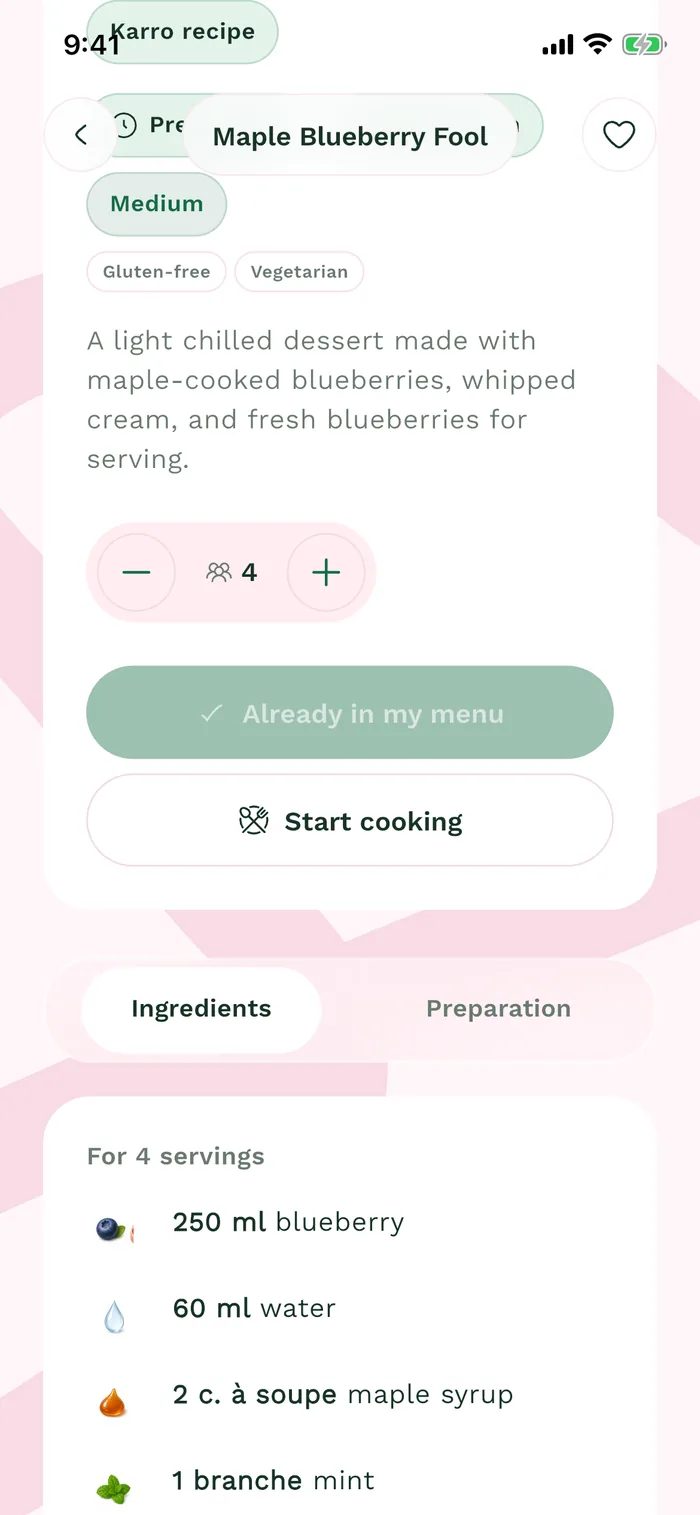
The red area shows where to tap in step 3. Open Weeks, then the selected menu to find the dish in place. Adding a recipe to a menu does not replace reviewing items in the grocery list.