Steps
Open Profile > Account > My household to see members and your role. Available actions depend on whether you are the owner or a member.
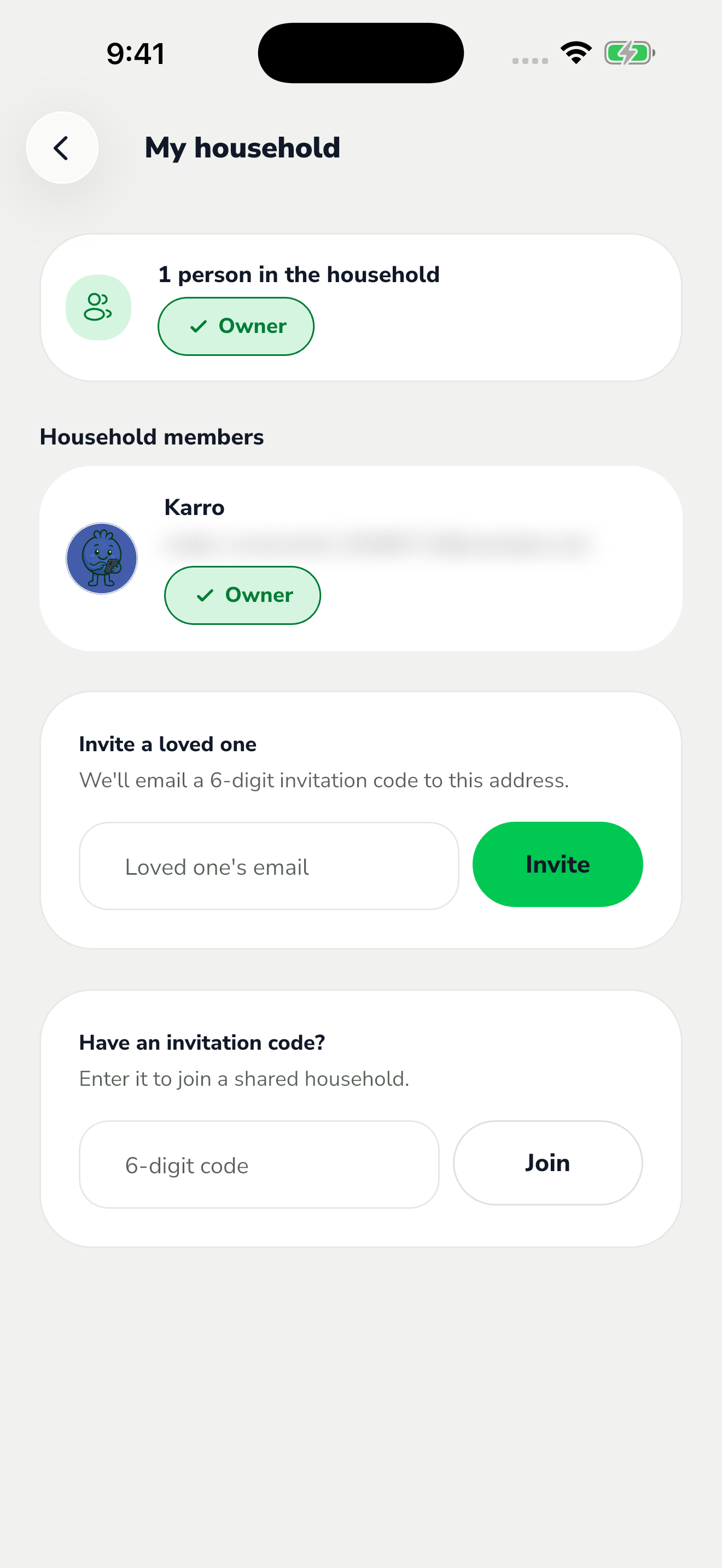
The red area shows where to tap in step 1. The owner can remove another member using that person's removal action. Check the name and email before selecting the intended member.
A member can use Leave household to stop sharing and return to an individual household. The confirmation explains the loss of access to the shared household.
Read the confirmation, then proceed only with the intended action. Afterward, check the member list and active household; someone who was removed or left no longer has access to that household.