Steps
Open Karro and sign in with the email address that received the invitation. It identifies the intended recipient of the link or code.
Open the secure link in the invitation email, then follow Karro's confirmation to join the intended household.
If the link does not open, go to Profile > Account > My household. Under Have an invitation code?, enter the six digits you received and tap Join.
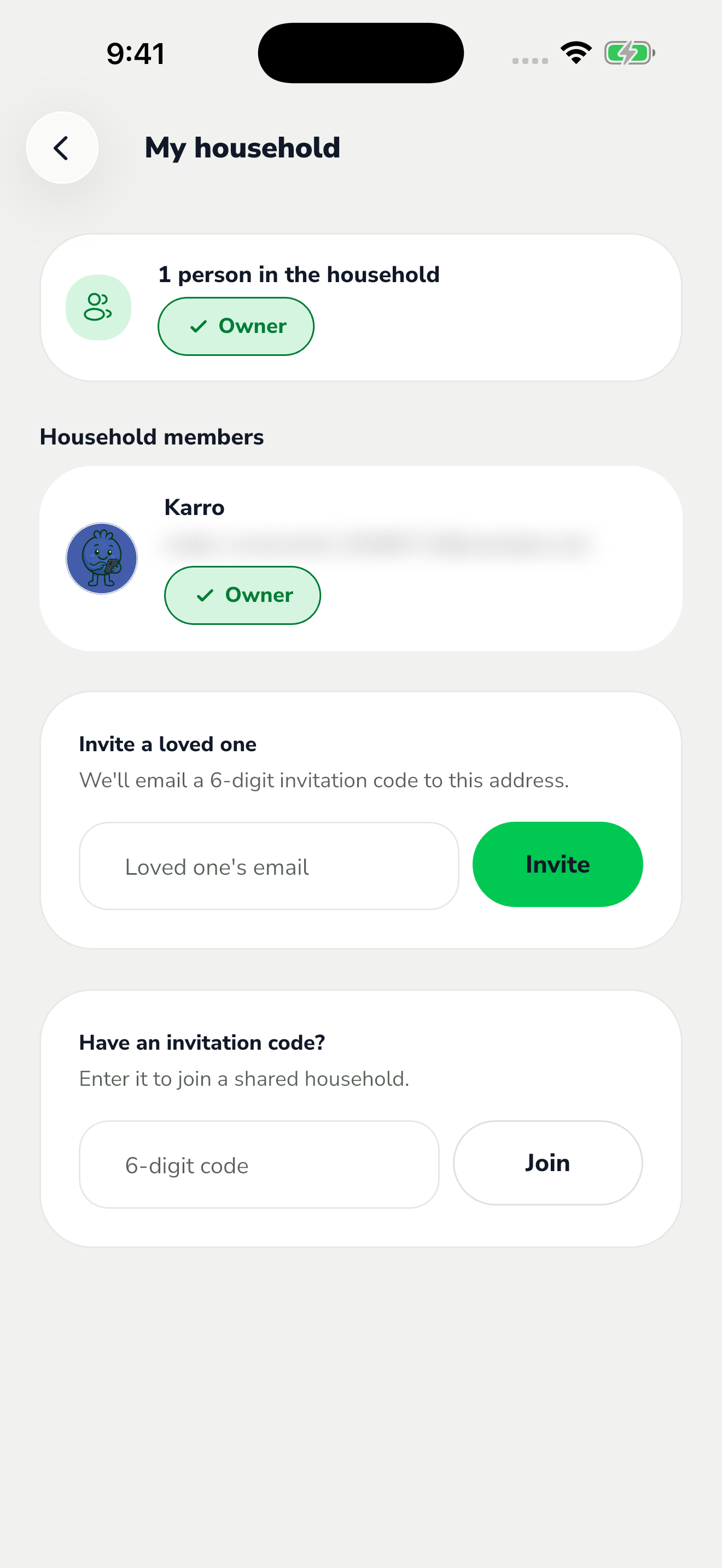
The red area shows where to tap in step 3. Check the household and members shown afterward. If the code is rejected, check your signed-in address and the code, then ask the owner for a new invitation if necessary.