Steps
Open Profile > Account > My household. Invitations are available to the household owner with the required Pro access; check the role shown with the members.
Under Invite a loved one, enter the person's email address. Check it before sending so the invitation reaches the intended recipient.
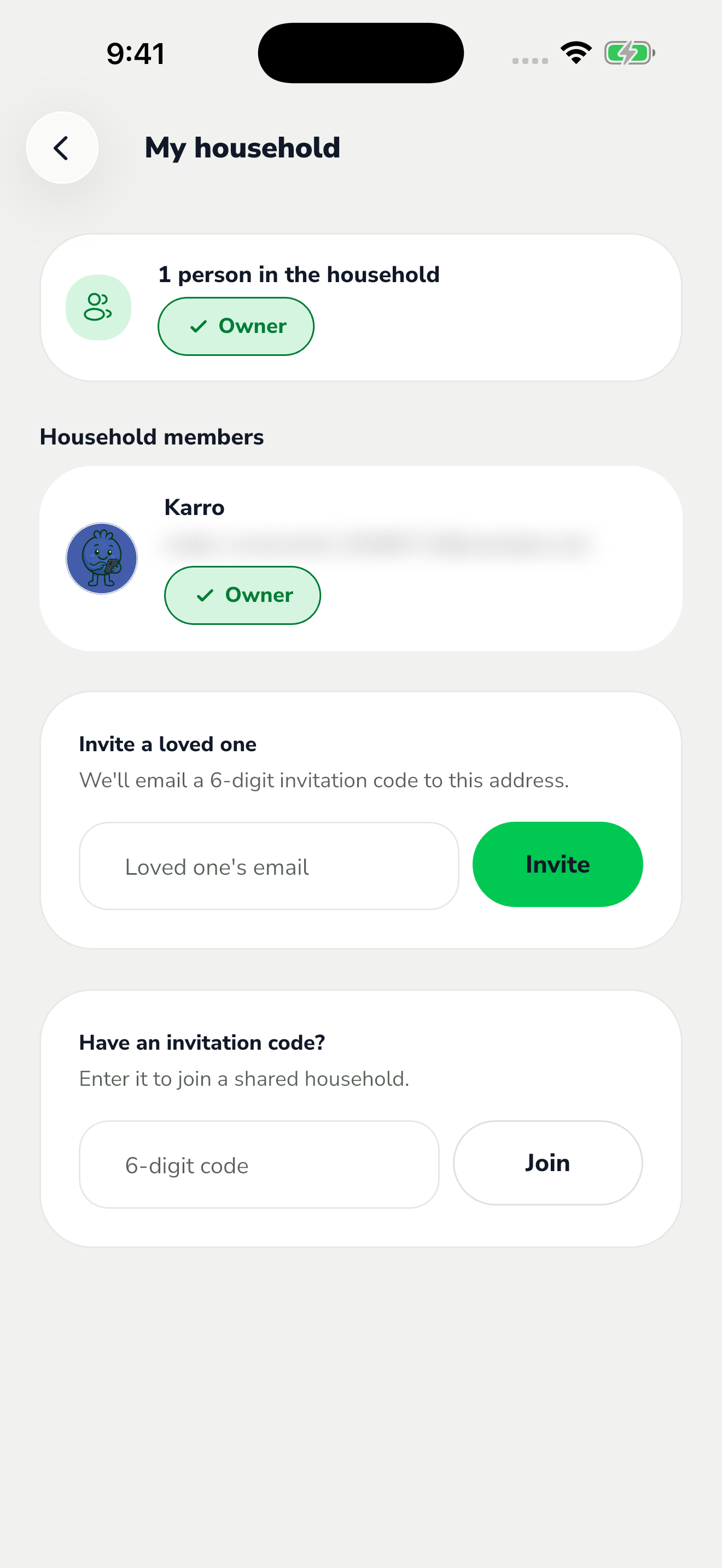
The red area shows where to tap in step 2. Tap Invite. The person receives an email containing a secure link and a six-digit code to accept the invitation.
After acceptance, return to My household and check the member list. Sharing gives access to household menus and lists; sending an invitation alone does not confirm the person has joined.