Steps
Karro Free lets you explore recipes, create menus, prepare groceries and manage your fridge with one saved favorite store.
Karro Pro lets you save up to three stores to distribute and compare purchases. It also opens the Pro features shown in the app, including a shared household and automatically adding purchases to the fridge.
Open Profile > Account > Subscription to see your access and displayed benefits. Menu and template limits are shown in the relevant screens.
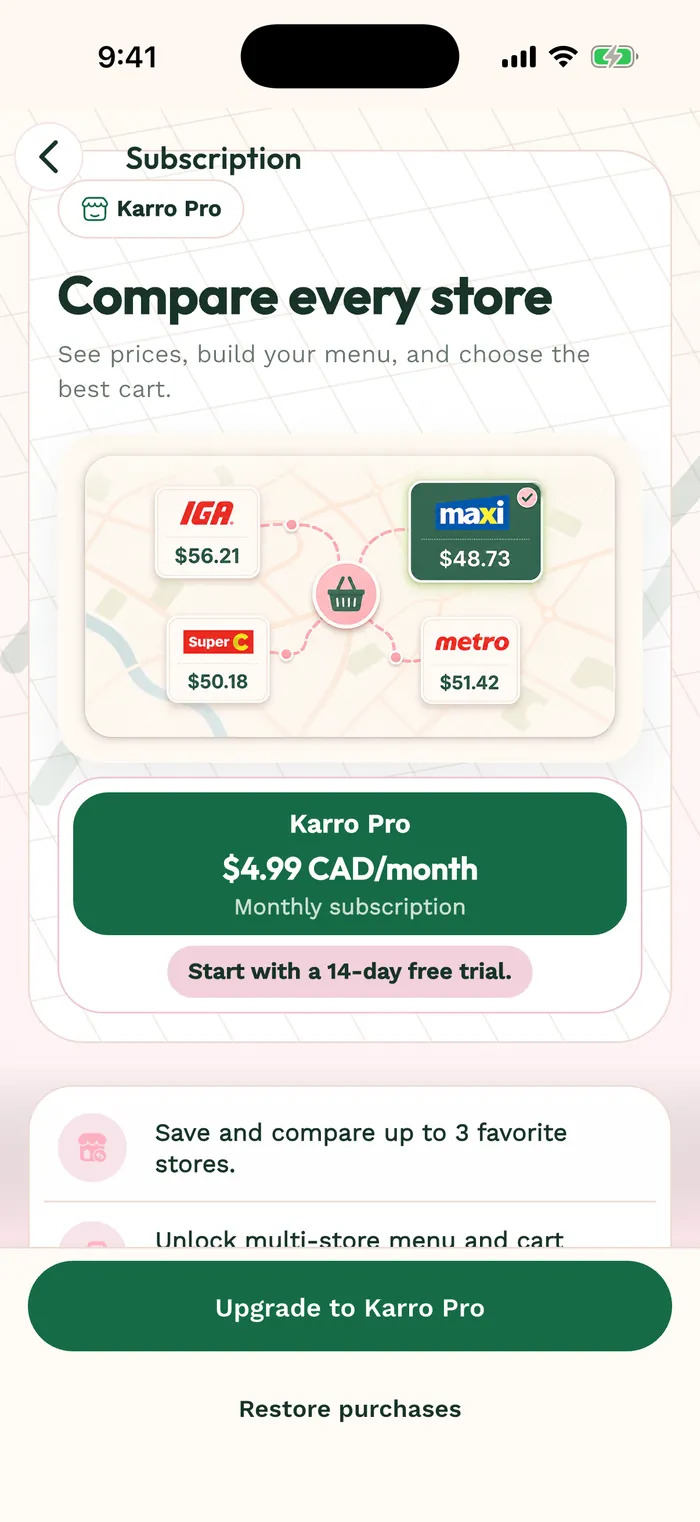
The red area shows where to tap in step 3. Before subscribing, review the offer actually displayed by the app and store: price, billing period and any trial. Active Pro access appears in your profile; billing is managed through the store account used for the purchase.