Steps
Open Profile in the bottom bar, then the Meals tab. Dietary settings and servings have separate entries.
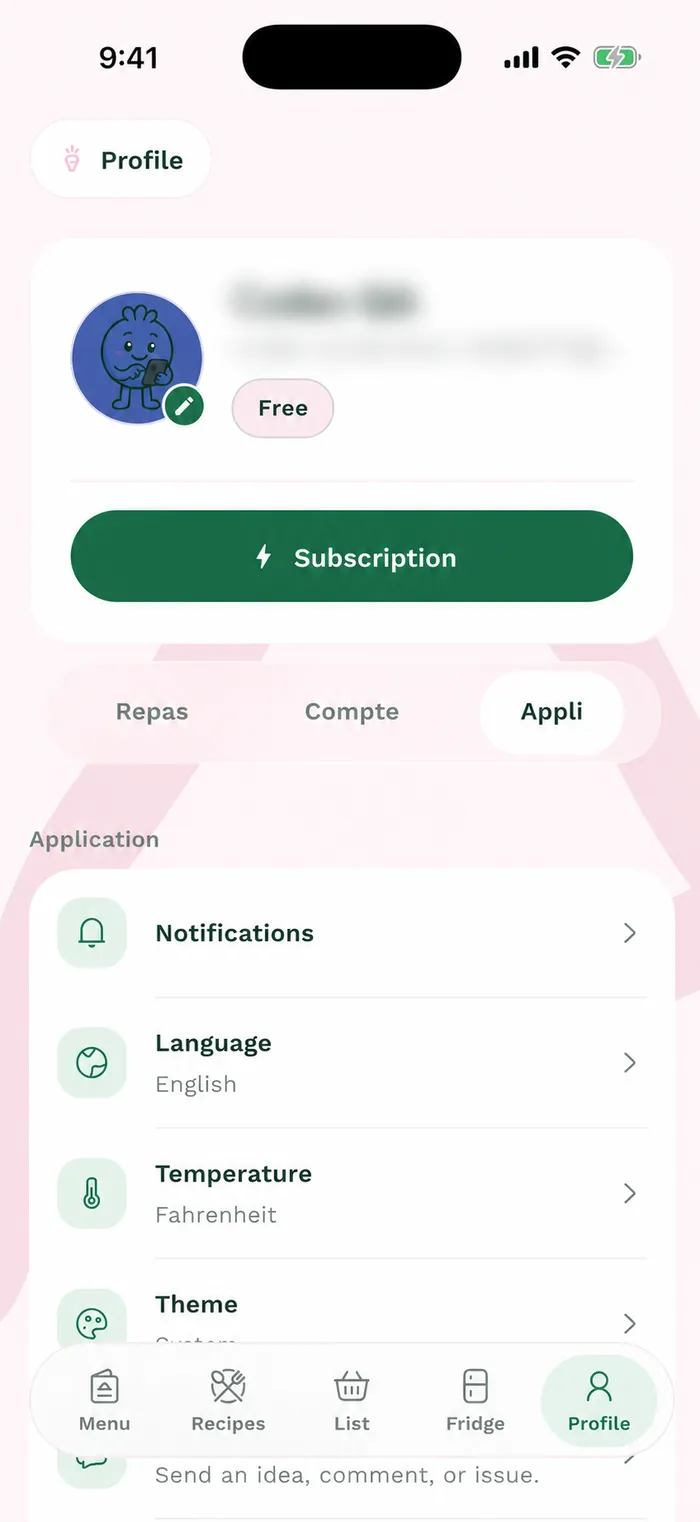
The red area shows where to tap in step 1. Tap Dietary preferences. In Food, select the diets that apply to you, then check Allergies and Priorities to specify your needs and preferences.
Tap Save to keep your choices. Return to Meals and open Household and servings to adjust the number of people and recipe servings.
Save the servings before closing the panel. When creating a menu, check the suggested values and adjust them for the week you are planning.