Steps
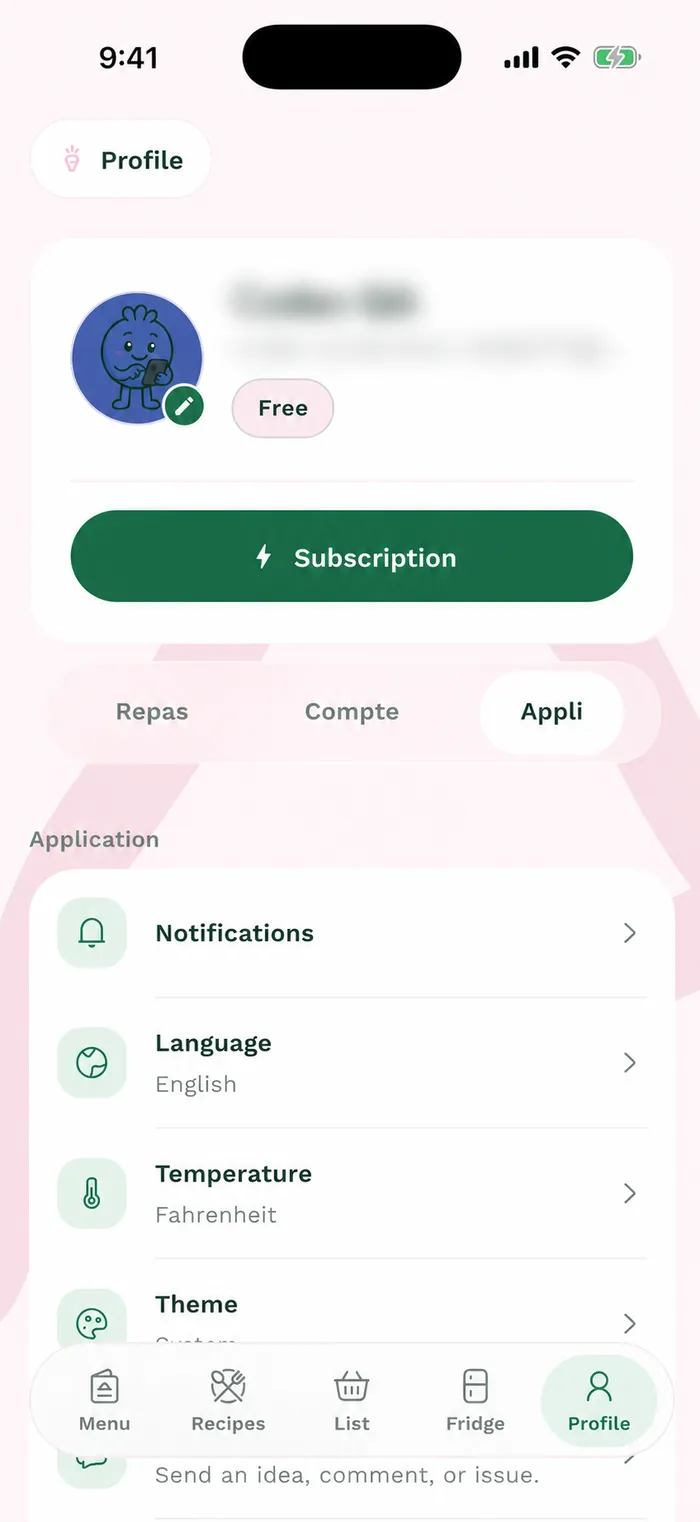
The bottom bar opens the five main sections. In Weeks, create a menu, find current or upcoming menus and browse your archives.
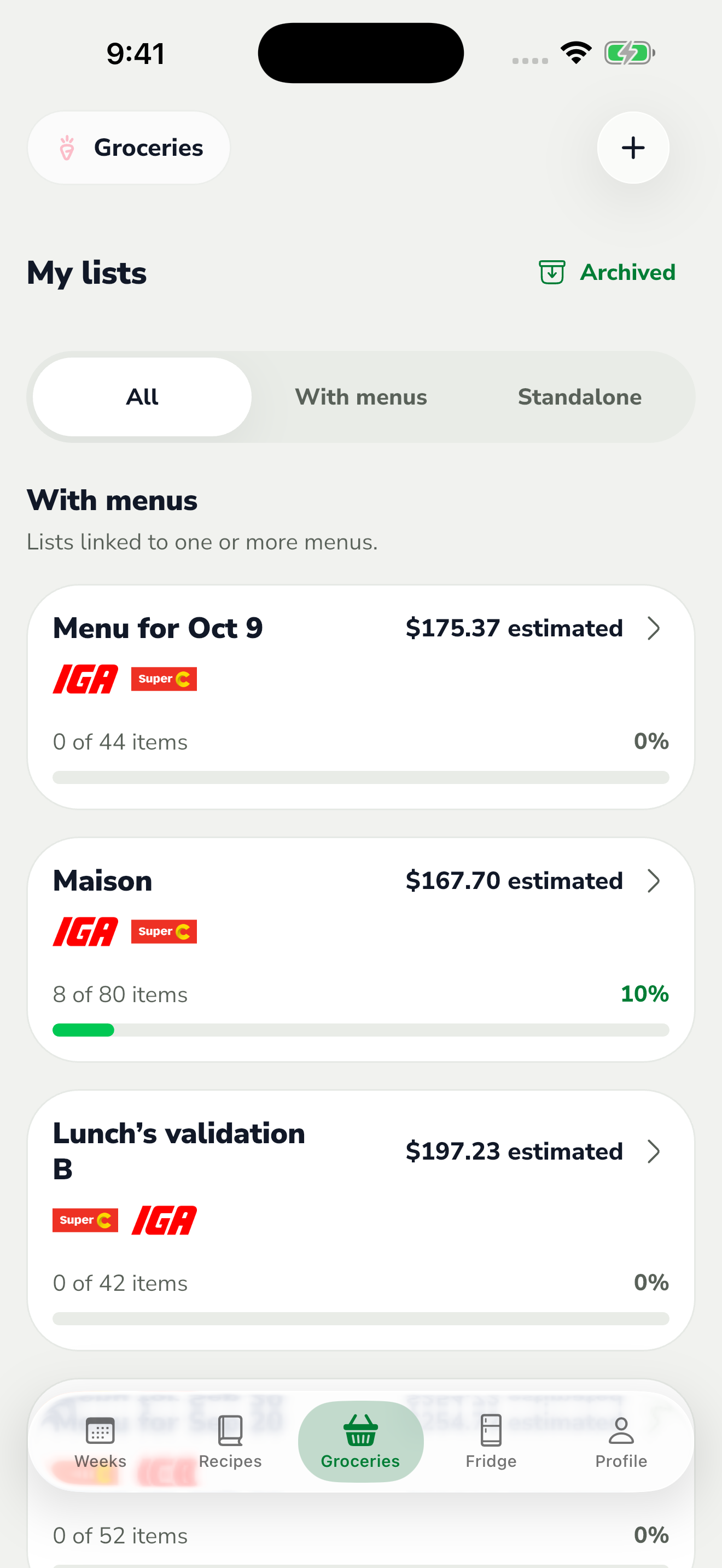
The red area shows where to tap in step 1. In Recipes, search for a dish, adjust the filters and open its details to see the ingredients and preparation steps.
In Groceries, open a list to see what to buy and check off items as you shop. Lists can come from a menu or be created separately.
In Fridge, record ingredients you already have. In Profile, use Meals for your preferences, Account for your details and household, and App for display settings and help.