Steps
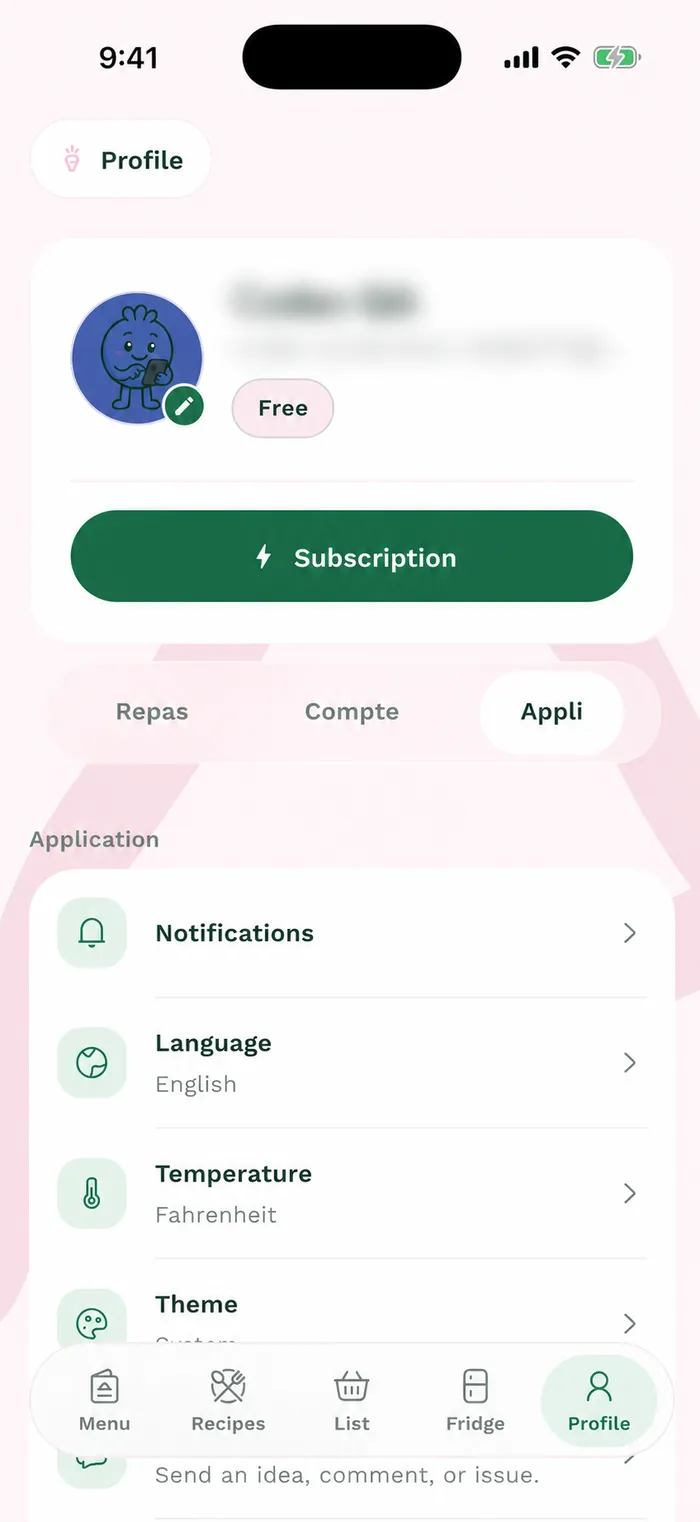
Open Profile > App > Display and region. This panel groups the three settings; each opens its own selector.
Tap Language, select Français or English, then Save. The app labels switch to the selected language.
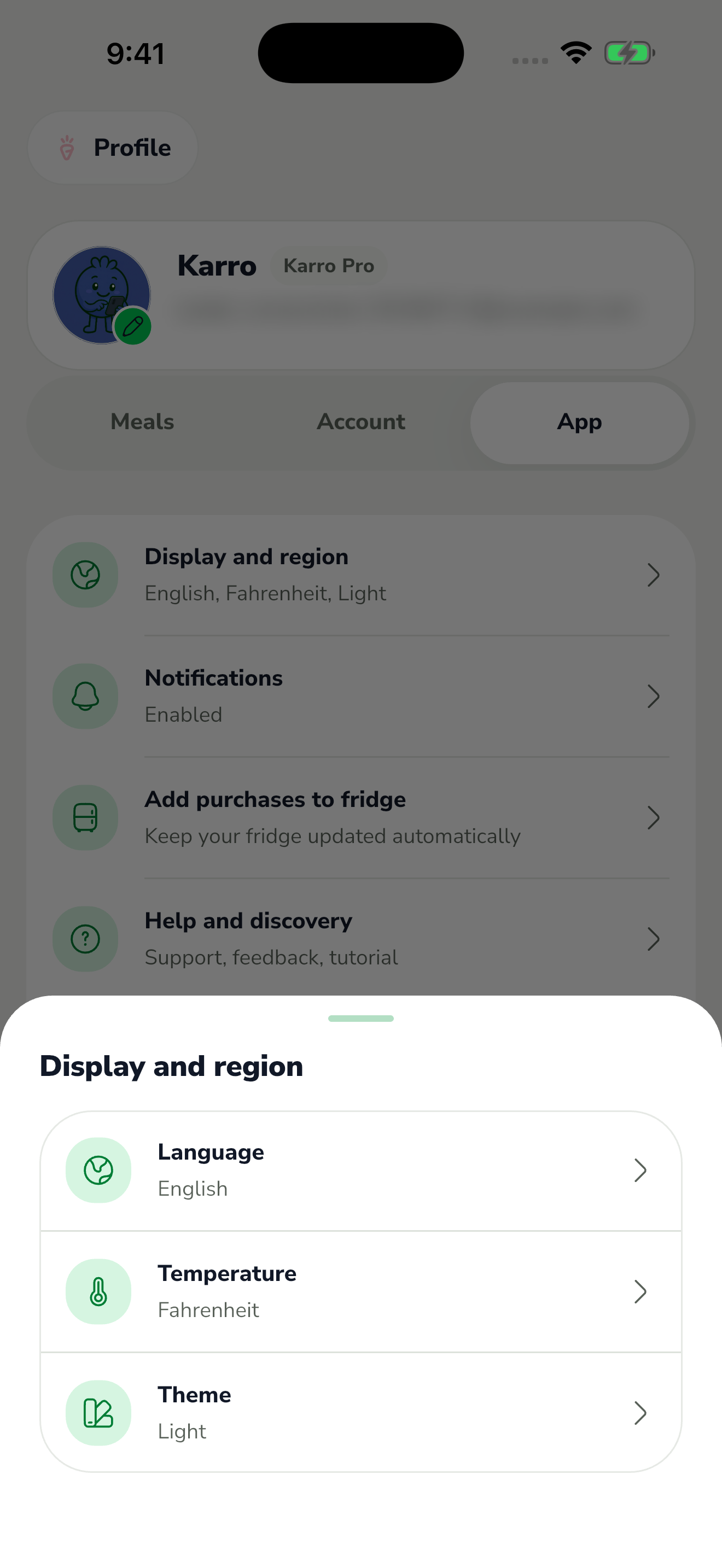
The red area shows where to tap in step 2. Reopen Display and region, then Temperature. Choose Celsius or Fahrenheit and save to set the unit shown in recipes.
Under Theme, choose light mode, dark mode or the system setting. Save your choice; following the system adapts the app to your device settings.