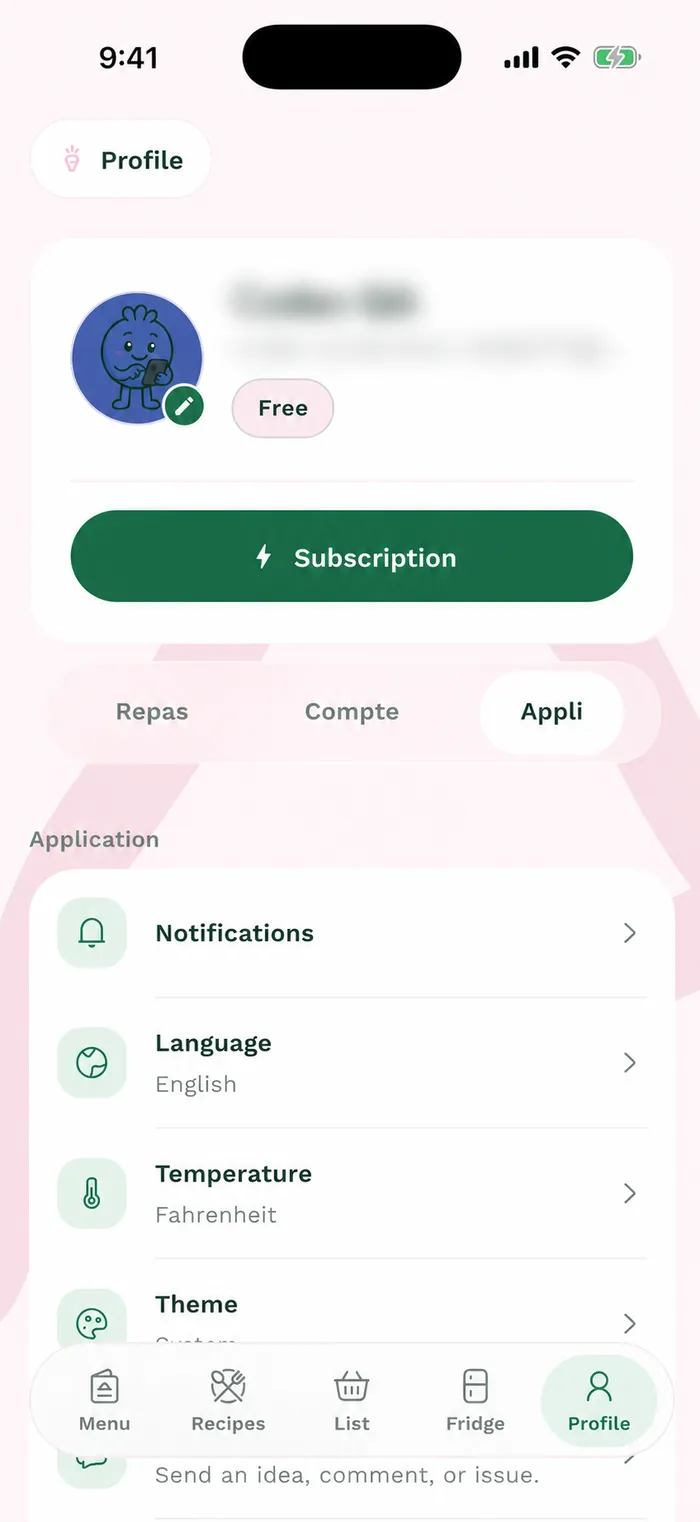
Steps
Open Profile > Meals > My grocery stores. The City and stores panel lets you keep your current city or choose another supported city.
Select a city, then tap Continue. No city lets you use simple lists without grocery products or prices.
Under Nearby, enter a postal code to find locations. You can also open All stores, or Favorites to see those already selected.
Turn on the switch for each location you want, then tap Save. You are selecting a specific store location, not just a grocery banner.
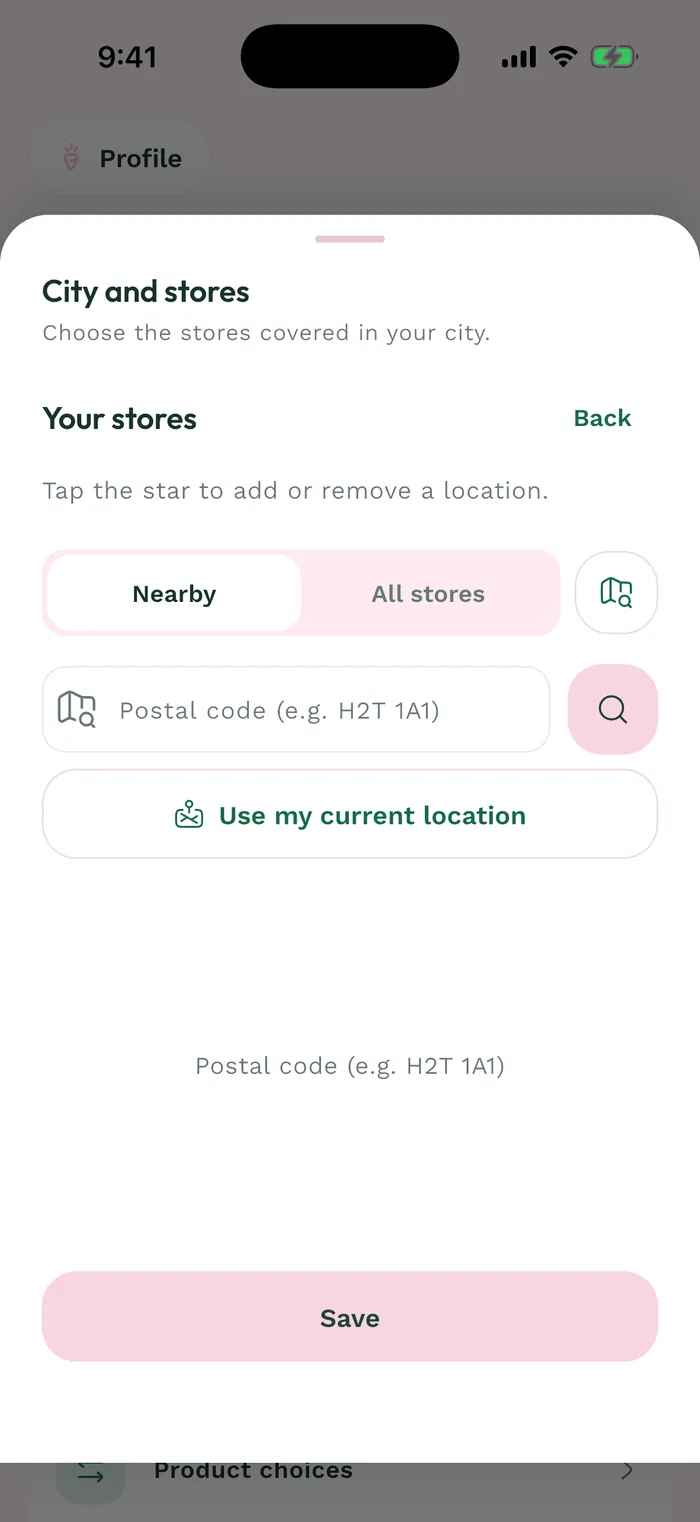
The red area shows where to tap in step 4.