Steps
In Fridge, review your saved ingredients. Use search to add something you just bought by tapping the matching result.
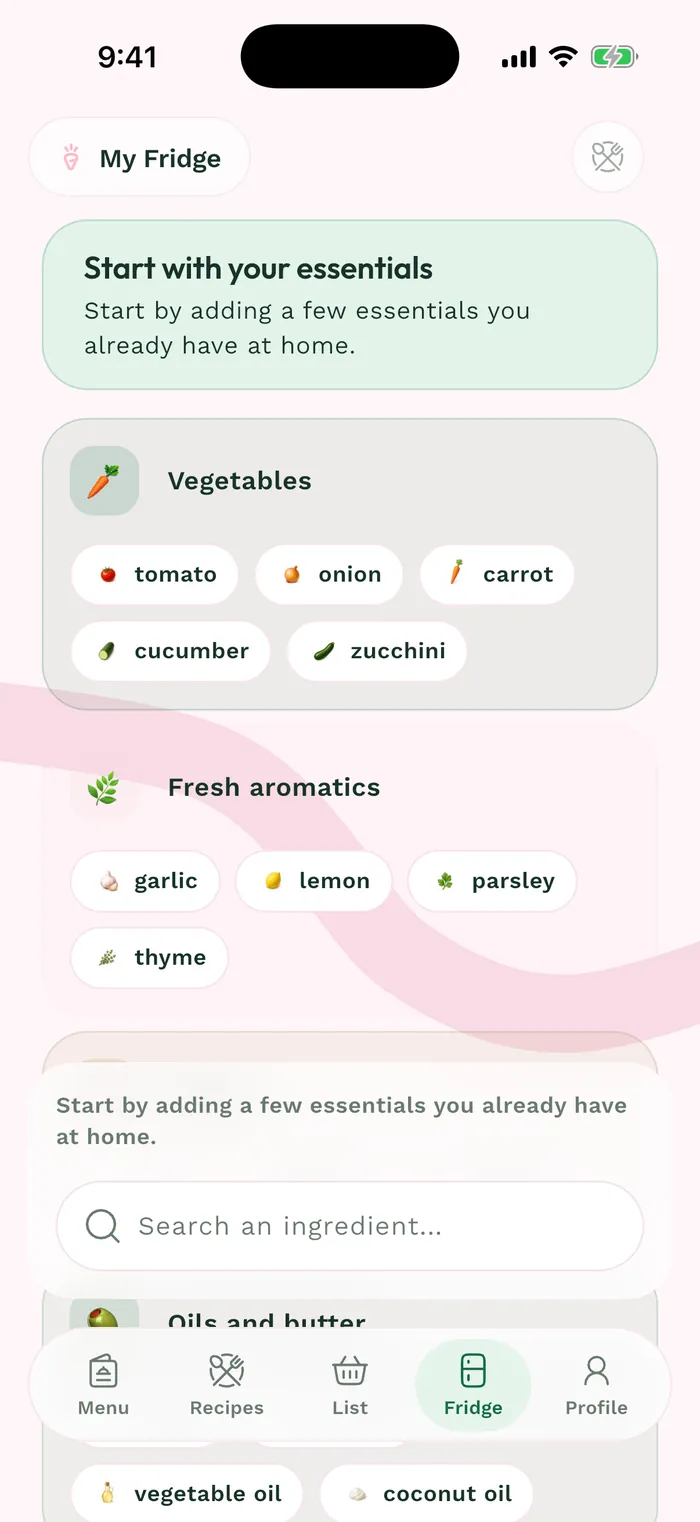
The red area shows where to tap in step 1. To remove an ingredient you no longer have, press and hold its card. Removal mode displays an X on the ingredients.
Tap the X on the ingredient to remove it. This updates your fridge; it does not delete the ingredient from the catalog or recipes that use it.
Tap Cancel to leave removal mode, then check your supplies. Keeping this list current makes From my fridge searches more useful.