Steps
Add at least one ingredient to Fridge. Check your supplies before searching so you do not rely on something you have run out of.
Tap Find recipes at the top of My Fridge. You can also access the From my fridge filter from Recipes.
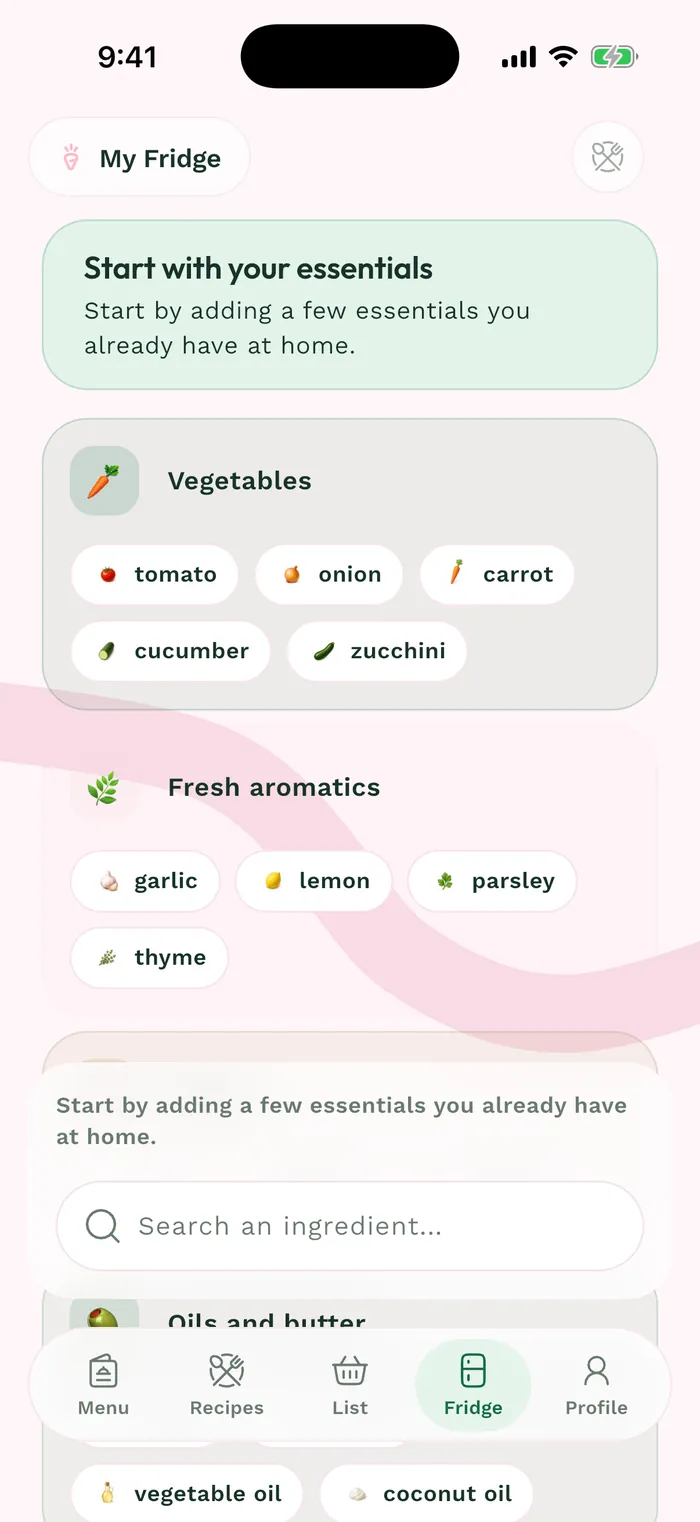
The red area shows where to tap in step 2. Choose how many extra ingredients you are willing to buy. A stricter setting limits results to recipes closer to your supplies.
Open a suggested recipe and check its full ingredient list and quantities. Having an ingredient in the fridge does not guarantee you have enough for the recipe.