Steps
Open Profile > App > Notifications and find the permission message under the affected reminder or preference.
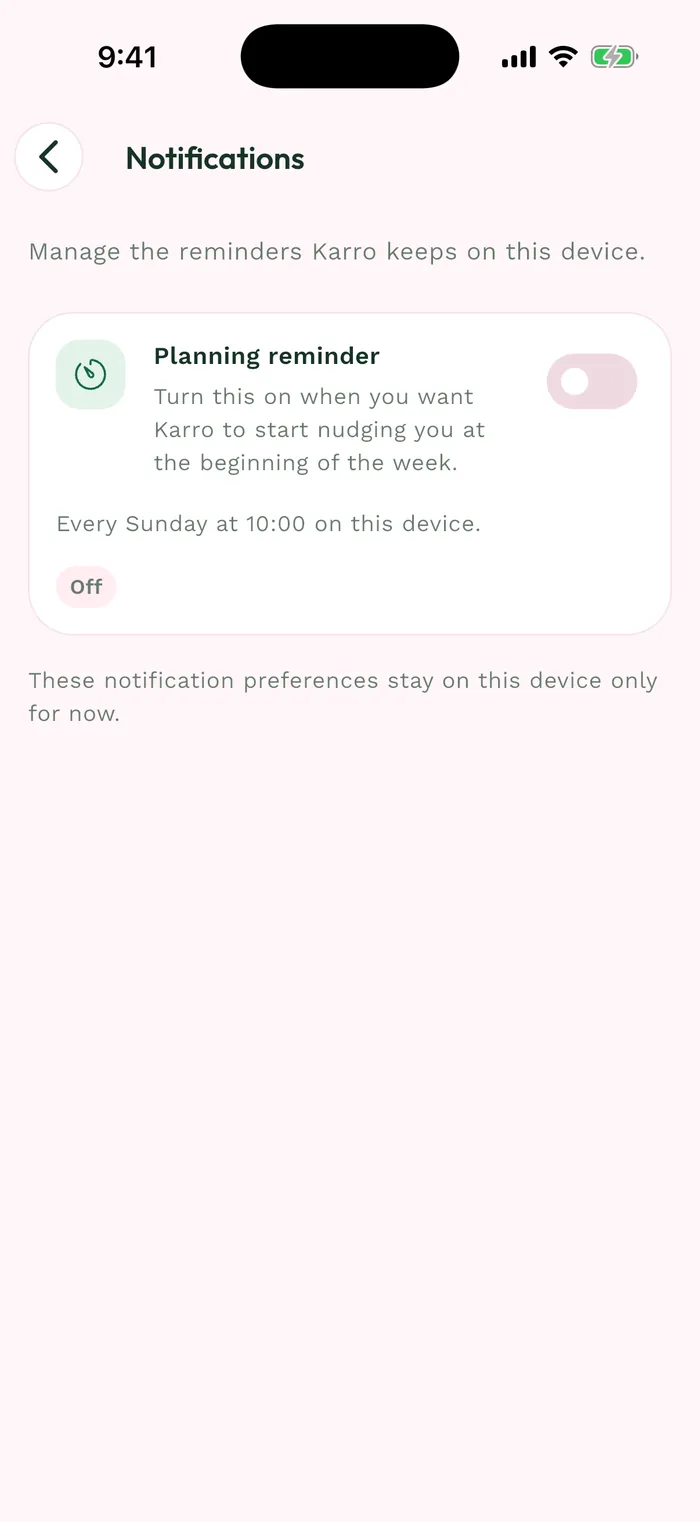
The red area shows where to tap in step 1. If the phone blocks notifications, open its system settings and find Karro's notification permissions.
Allow notifications and check phone modes that may silence them. System permission and Karro's preference switches are separate settings.
Return to Karro: permission status refreshes when you come back to the app. Check that the preference you want is enabled and the blocked-permission message is gone.