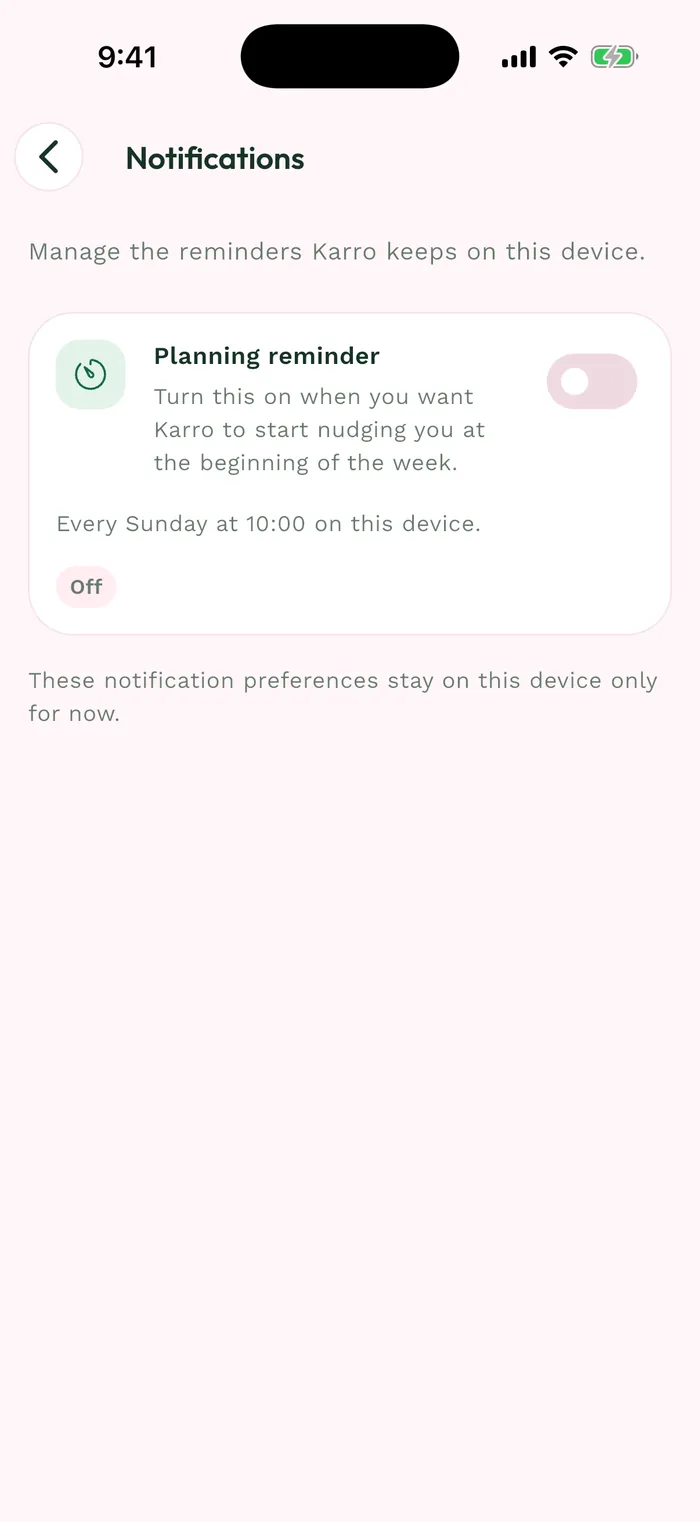
Steps
Open Profile > App > Help and discovery. This page groups the help center, feedback form and interactive tutorial.
Tap Feedback or bug to open the form. Describe a specific idea or issue, including the relevant screen and actions.
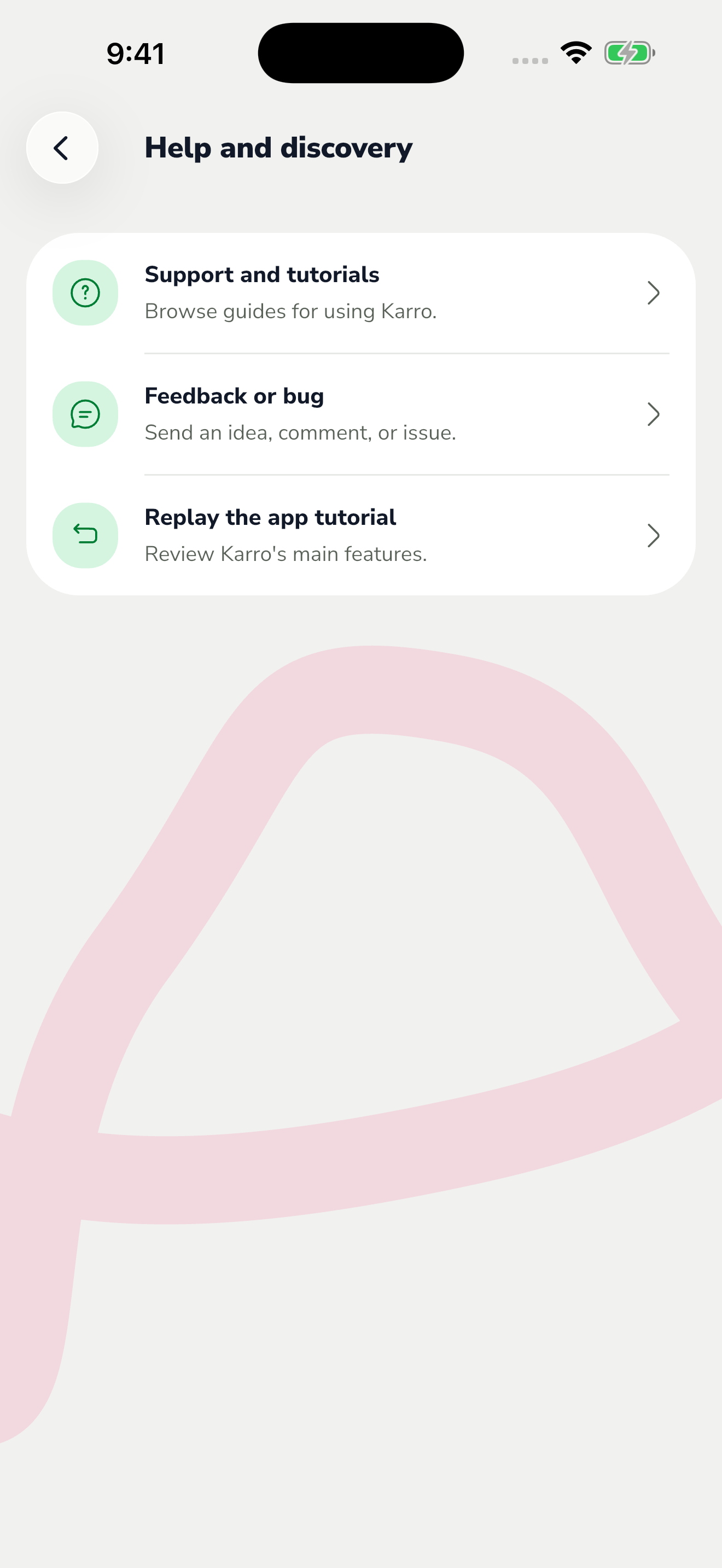
The red area shows where to tap in step 2. For a bug, explain how to reproduce it, what happened and what you expected. Mention whether it happens every time and attach a screenshot if it helps explain the problem.
Include your phone, operating system and the version shown in Profile > App > Advanced options. Hide emails and personal information in screenshots, then send the form without any password or verification code.