Steps
Open Profile > App > Notifications. The panel separates this device's weekly reminder from preferences synced with your account.
Turn on Planning reminder to receive the Sunday reminder at 10:00 on this phone. Allow notifications if the operating system asks.
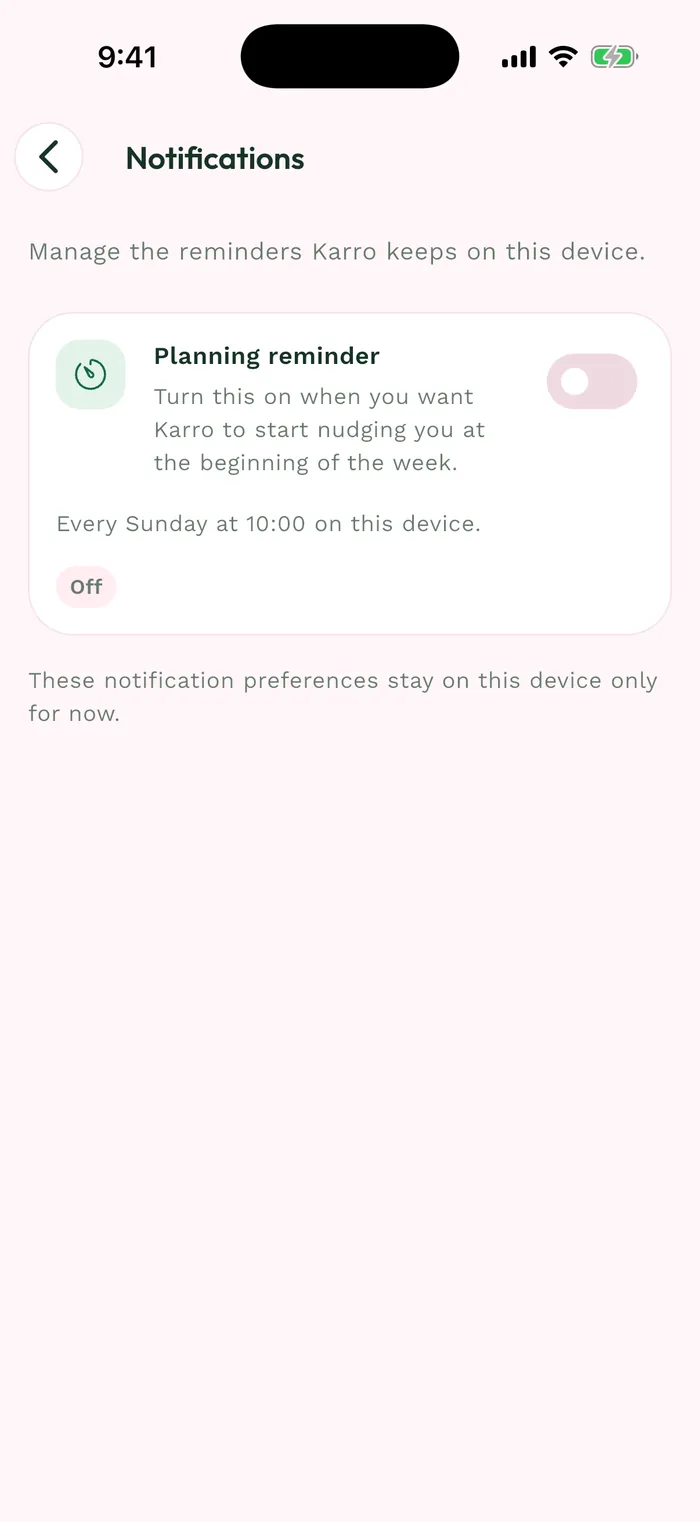
The red area shows where to tap in step 2. Check that the switch stays on and that no message reports missing permission. An enabled setting in Karro also depends on your phone allowing notifications.
Planning tips and reminders and Deal updates have separate switches. Those two preferences sync with your account; the Sunday reminder is specific to this device.