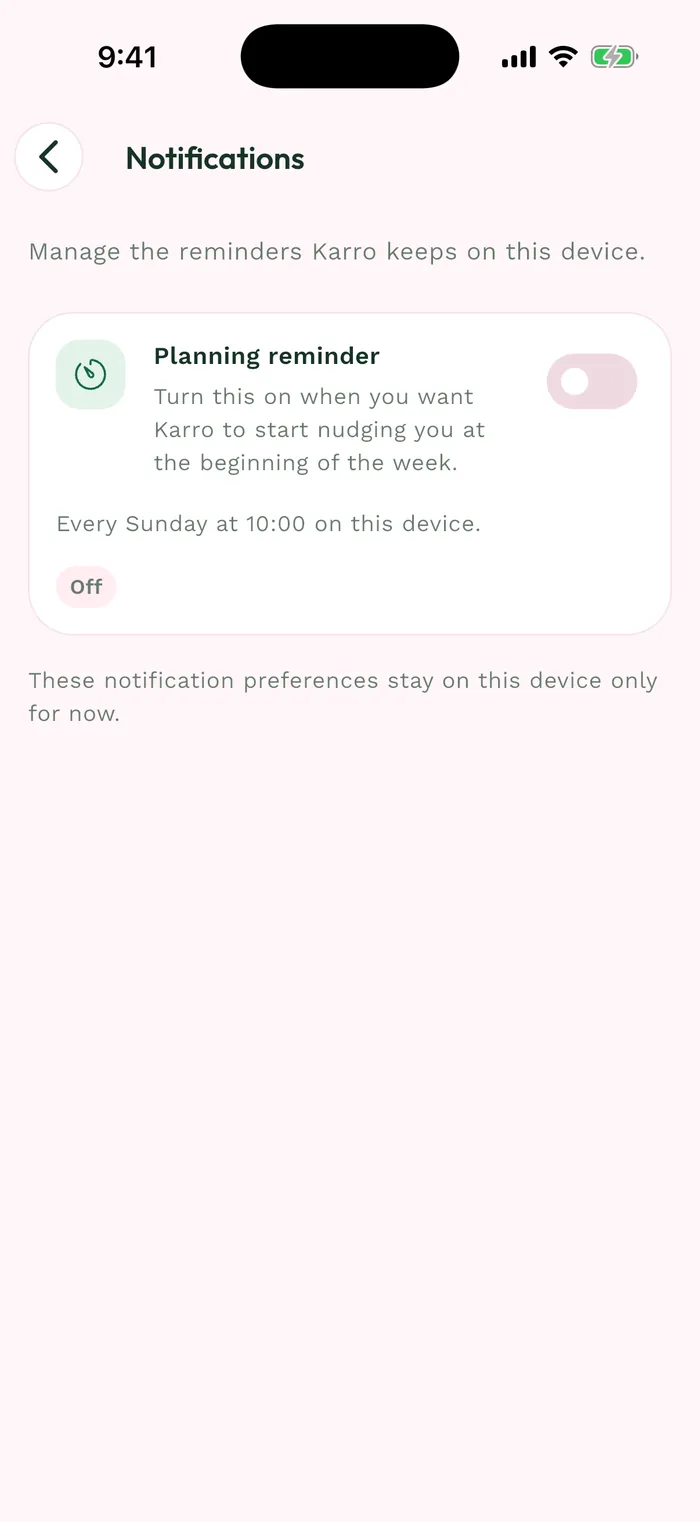
Steps
On the welcome screen, choose Get started quickly for essential settings, or Personalize my recipes to give more details about your preferences. Follow the steps until account creation.
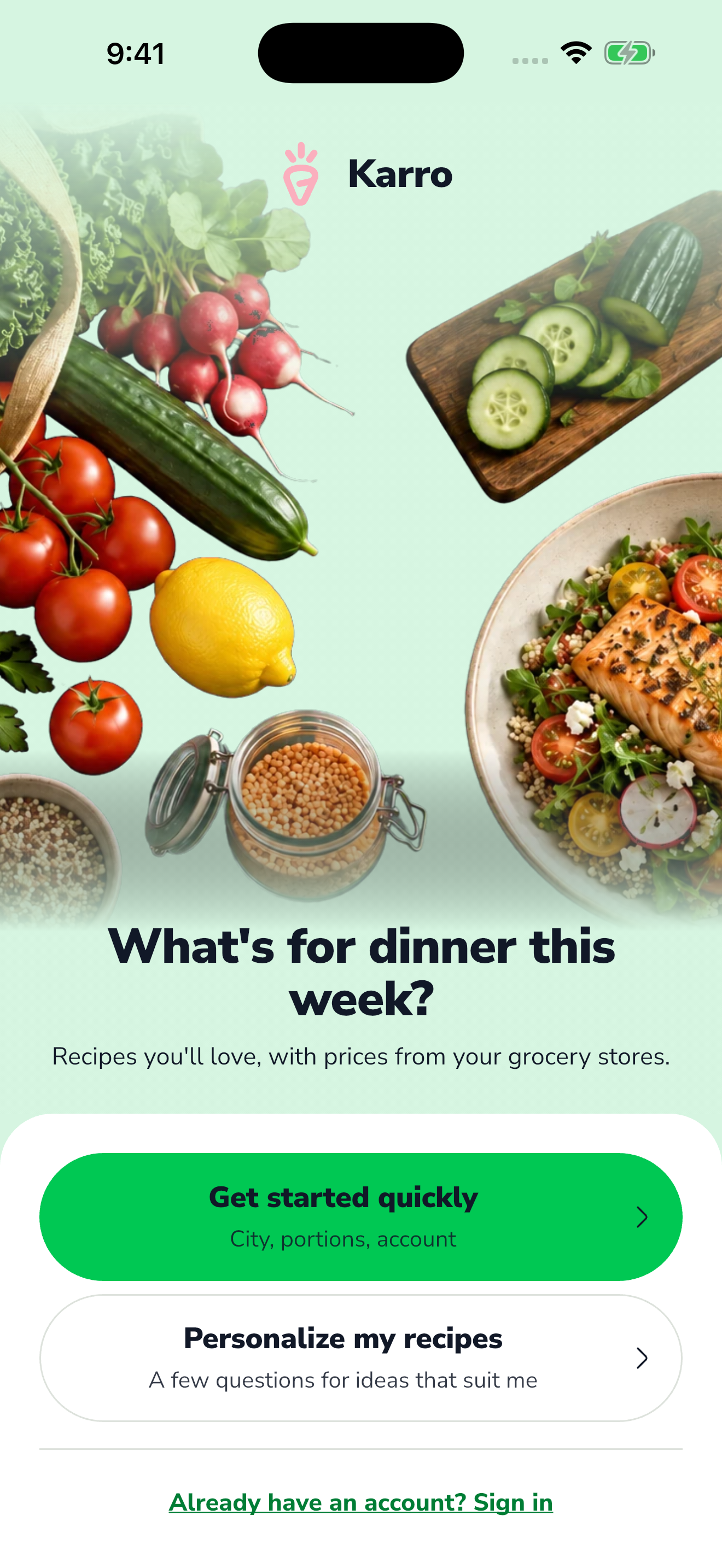
The red area shows where to tap in step 1. Choose an offered sign-up method. With Email, enter an address you can access and a password that meets the displayed requirements: at least eight characters, an uppercase letter, a lowercase letter and a digit.
For email sign-up, open Karro's verification message and find the code. Check your junk folder if you cannot find the message.
Enter the code in Karro and finish verification. If you already have an account, use Already have an account? Sign in on the welcome screen instead of creating another one.