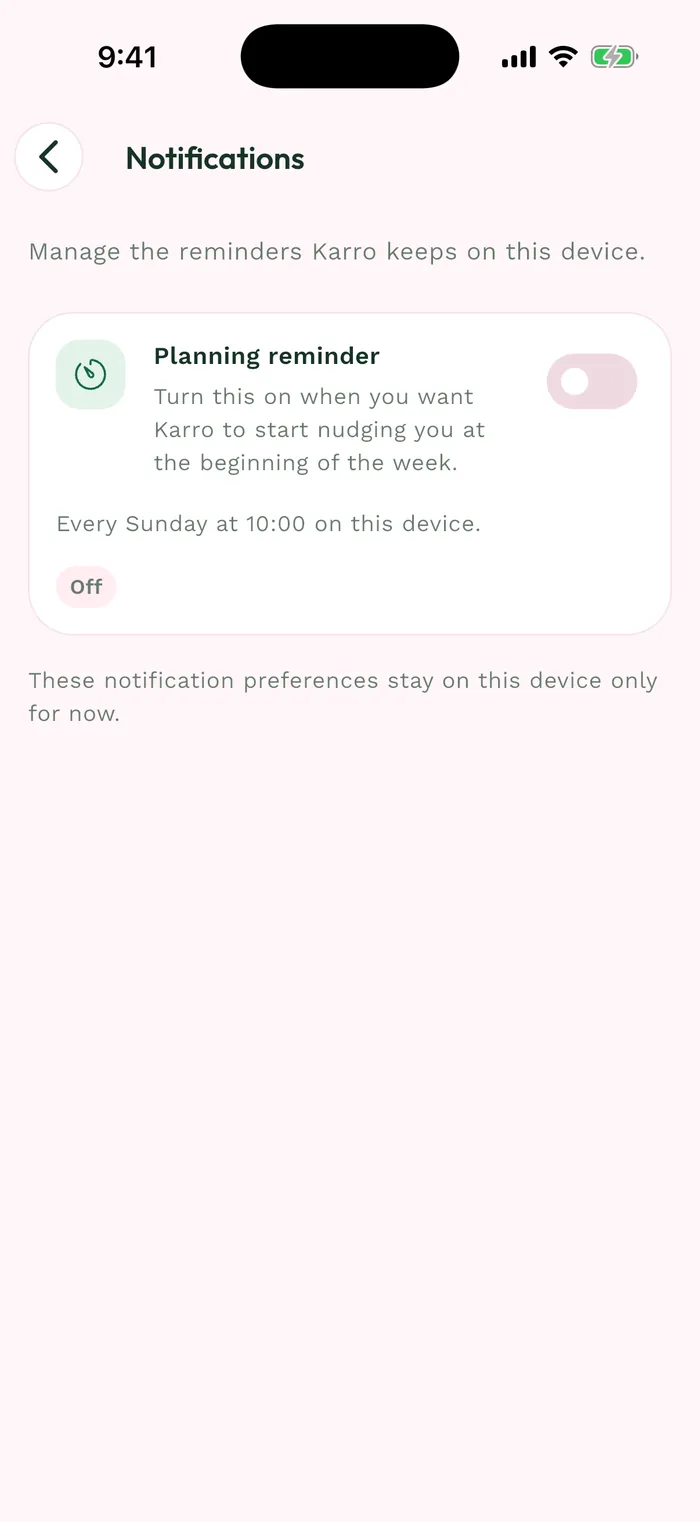
Steps
To change your email, open Profile > Account > Account information > Change email. For your password, open Profile > Account > Security > Change password.
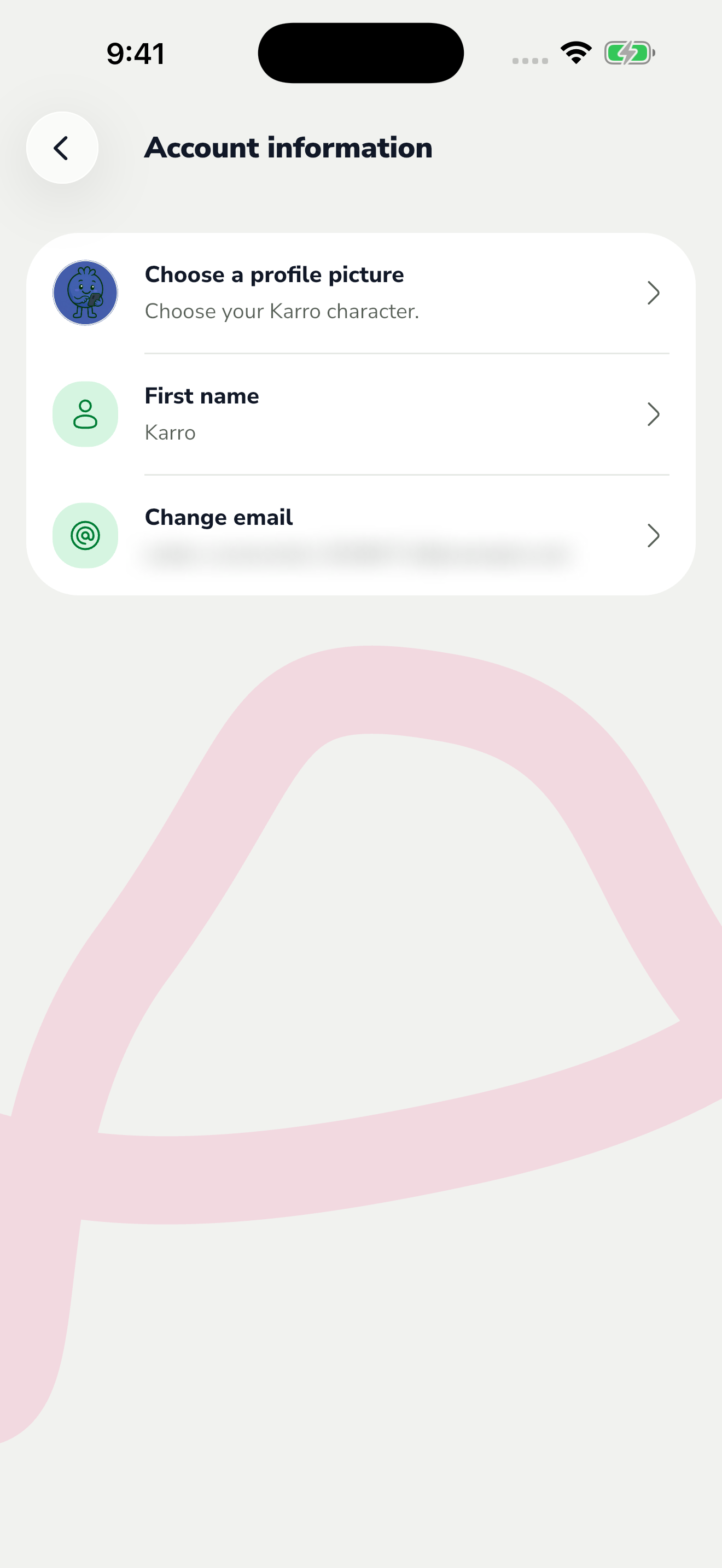
The red area shows where to tap in step 1. For a new email, enter the new address and your current password, then request a code. Find it in the new address's inbox and confirm it in Karro.
For a new password, complete the fields and verification shown on screen. Wait for confirmation before leaving the flow.
If your account uses only Apple or Google, that provider manages its email. The field indicates this; manage the sign-in details with the relevant provider.